Forerunner 405 Owner’s Manual 15
Training Mode
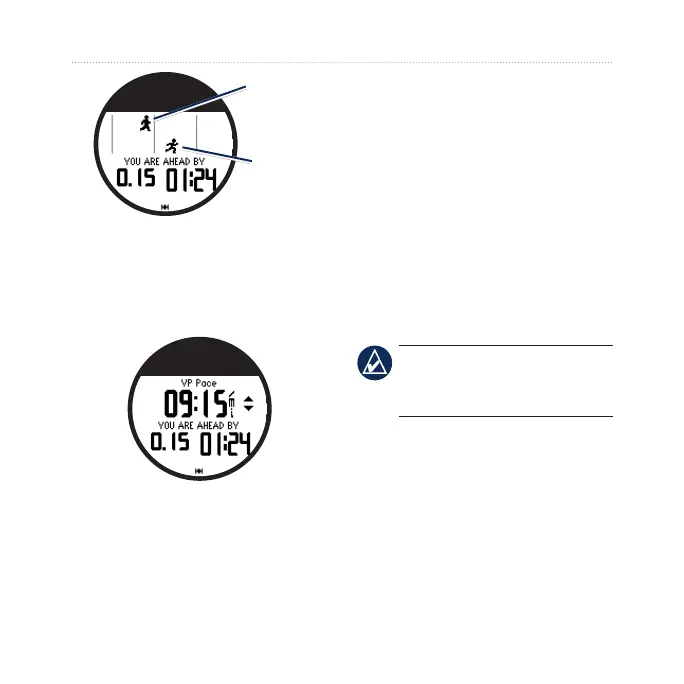
Virtual
Partner
You
3. Touch and drag clockwise to
increase the VP pace. Touch
and drag counter-clockwise to
decrease the VP pace.
4. To save the changes, tap the
bezel or wait for the page to
timeout.
Workouts
Touch and hold menu > select
Training > Workouts to choose the
type of workout right for you.
Simple, interval, and heart rate
workouts are replaced each time you
create a workout of the same type.
Advanced workouts must be created
in Garmin Connect or Garmin
Training Center.
NOTE: While performing a
workout, tap the bezel to view
more data pages.
When you complete all steps in your
workout, the “Workout Finished”
message appears.
To end a workout early:
1. Press stop.
2. Press and hold
reset.















 To Next Page