Forerunner 405CX Owner’s Manual 9
Getting Started
2. Follow the on-screen instructions
to download and install ANT
Agent.
Step 8: Pair Your
Computer and
Forerunner
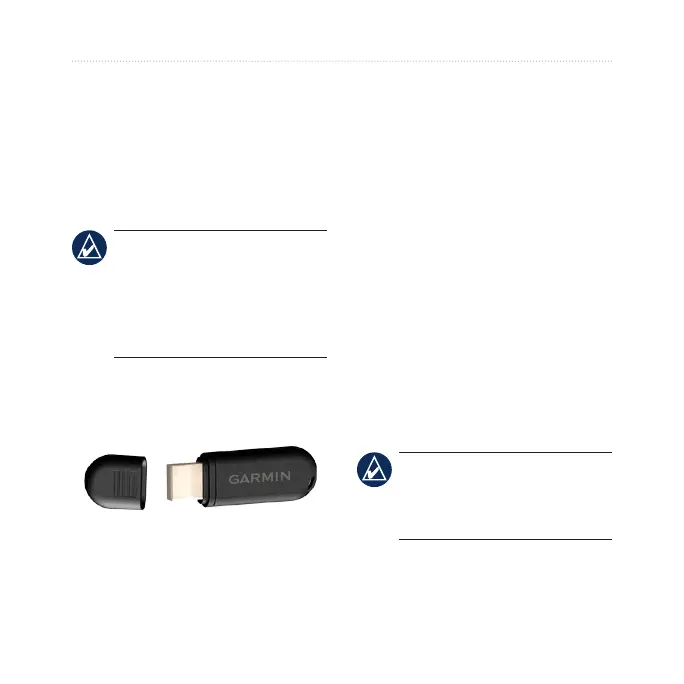
NOTE: Before connecting
the USB ANT Stick
™
to your
computer, you must download
software as instructed in
Step 7 so that the necessary USB
drivers are installed.
1. Plug the
USB ANT Stick into
an available USB port on your
computer.
2. Bring your Forerunner within
range (3 m) of your computer.
3. When the ANT Agent nds your
Forerunner, ANT Agent displays
the unit ID and asks you if you
want to pair. Select yes.
4. Your Forerunner should display
the same number ANT Agent
displayed. If so, select yes on
your Forerunner to complete the
pairing process.
Step 9: Transfer Data to
Your Computer
Bring your Forerunner within range
(3 m) of your computer. ANT Agent
automatically transfers data between
your Forerunner and Garmin
Connect or Garmin Training Center.
NOTE: If you have a lot of data,
this may take a few minutes.
Forerunner functions are not
available during data transfer.
Use Garmin Connect or Garmin
Training Center to view and analyze
your data.















 To Next Page