22 Forerunner 405CX Owner’s Manual
GPS Mode
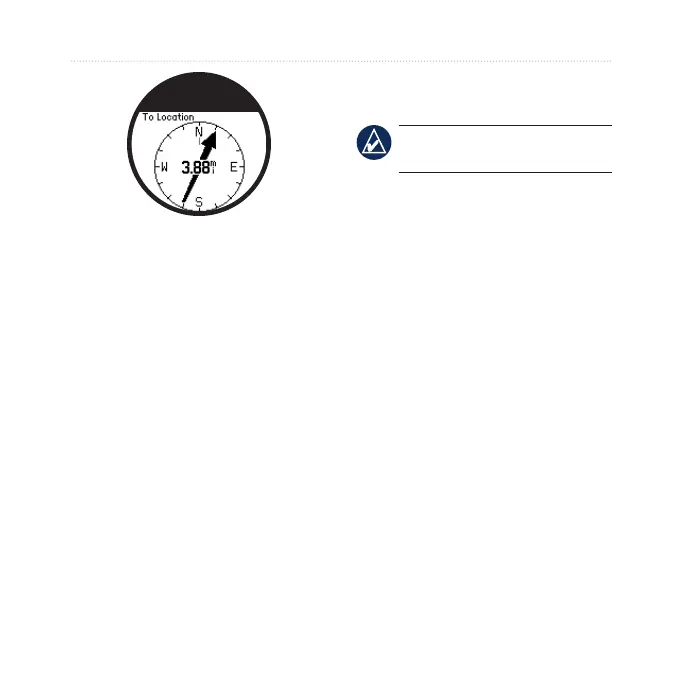
To stop navigating to the location,
press quit > select Stop Go To.
To edit a location:
1. Touch and hold GPS > select Go
To Location.
2. Select the location you would like
to edit.
3. Select
Edit.
4. Select an option to edit.
To delete a location, touch and hold
GPS > select Go To Location.
Select the location you would like to
delete. Select Delete > Yes.
Back To Start—navigates you back
to your starting point.
NOTE: You must start the timer
to use Back To Start.
About GPS
The Global Positioning System
(GPS) is a satellite-based navigation
system made up of a network of
24 satellites. GPS works in any
weather conditions, anywhere in the
world, 24 hours a day. There are no
subscription fees or setup charges to
use GPS.
For more information, go to
www.garmin.com/aboutGPS.















 To Next Page