36 Forerunner 405CX Owner’s Manual
Using Accessories
zones can prevent you from
overtraining and decrease your
risk of injury.
Heart Rate Monitor Battery
The heart rate monitor contains a
user-replaceable CR2032 battery.
NOTE: Contact your local waste
disposal department to properly
dispose of batteries.
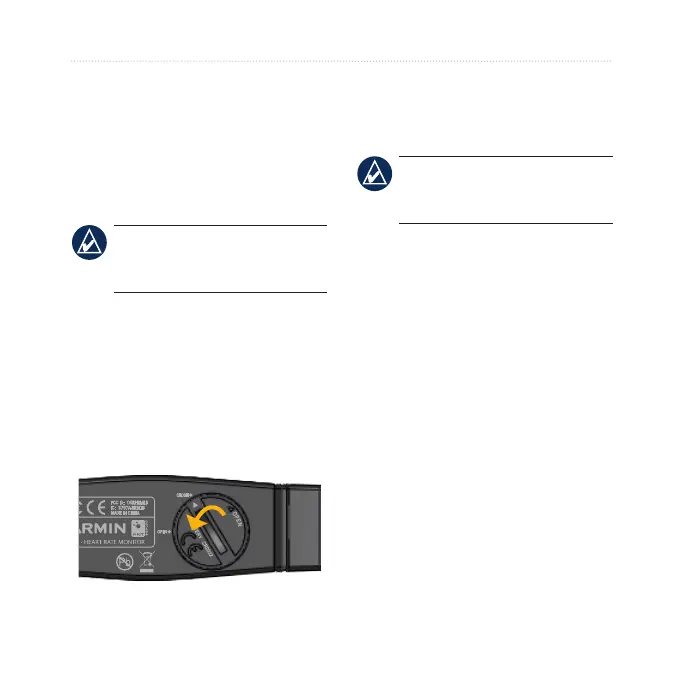
To replace the battery:
1. Locate the circular battery cover
on the back of the heart rate
monitor.
2. Use a coin to twist the cover
counter-clockwise so the arrow on
the cover points to OPEN.
3. Remove the cover and battery.
Wait 30 seconds. Insert the new
battery with the positive side
facing up.
NOTE: Be careful not to damage
or lose the O-ring gasket on the
cover.
4. Use a coin to twist the cover
clockwise so the arrow on the
cover points to CLOSE.















 To Next Page