10 Forerunner 405CX Owner’s Manual
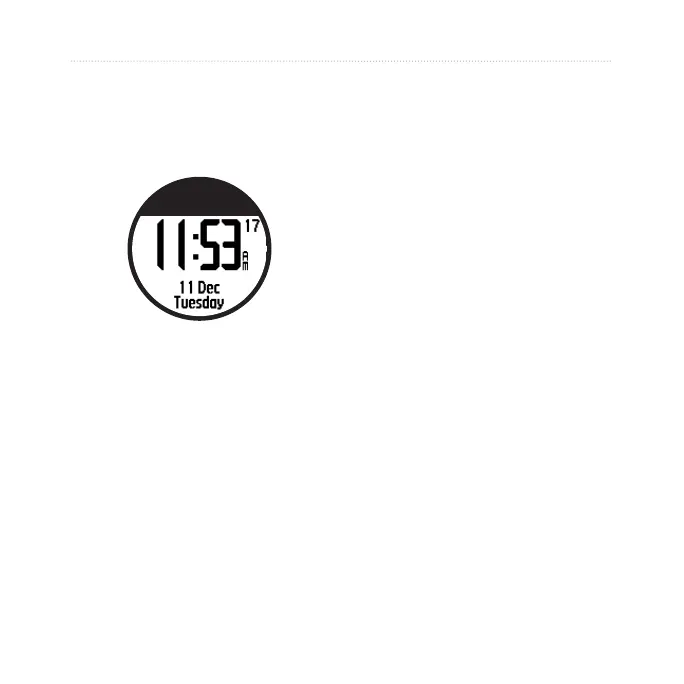
Time/Date Mode
Time/Date Mode
Touch and hold time/date to enter
time/date mode.
Tap the bezel to scroll through the
available pages:
Time
Battery gauge
Alarm set (if any)
Goal/progress indicator (if any)
Today’s scheduled workouts
transferred from Garmin Connect
or Garmin Training Center (if
any)
•
•
•
•
•
Time Options
Touch and hold menu > select
Settings > Time. See page 29.















 To Next Page