34 Forerunner 410 Owner’s Manual
Using Accessories
Replacing the Heart Rate
Monitor Battery
The heart rate monitor contains a
user-replaceable CR2032 battery.
: Contact your local waste
disposal department to properly
dispose of batteries.
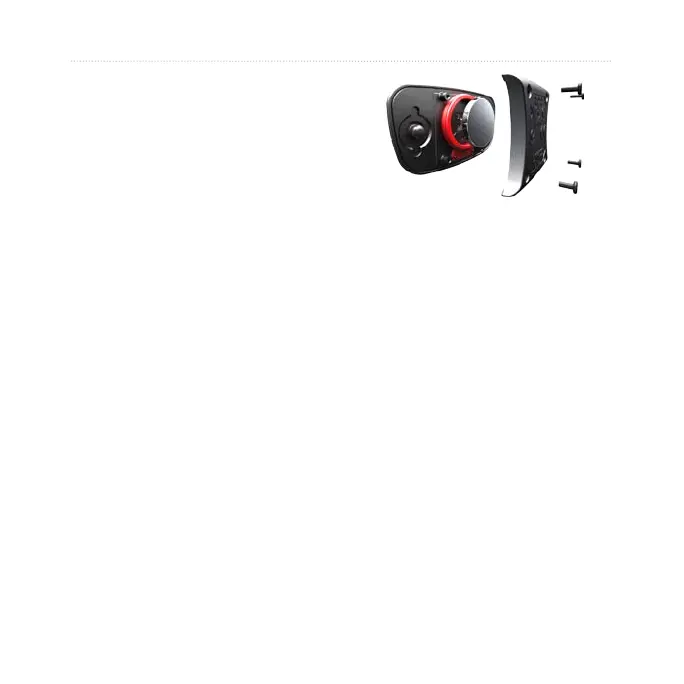
1. Use a small Phillips screwdriver
to remove the four screws on the
back of the module.
2. Remove the cover and battery.
Wait 30 seconds. Insert the new
battery with the positive side
facing up.
: Be careful not to damage
or lose the O-ring gasket.
3. Replace the back cover and the
four screws.
: After replacing the
battery, you might need to pair
the heart rate monitor with the
device again.
: To maximize the battery life,
remove the heart rate module from
the strap when not in use.
Caring for the Heart Rate
Monitor
: Unsnap the module before
cleaning the strap.
Rinse the strap after every use. Hand
wash the strap in cold water with a
mild detergent after every ve uses.















 To Next Page