Forerunner 410 Owner’s Manual 1
Getting Started
Getting Started
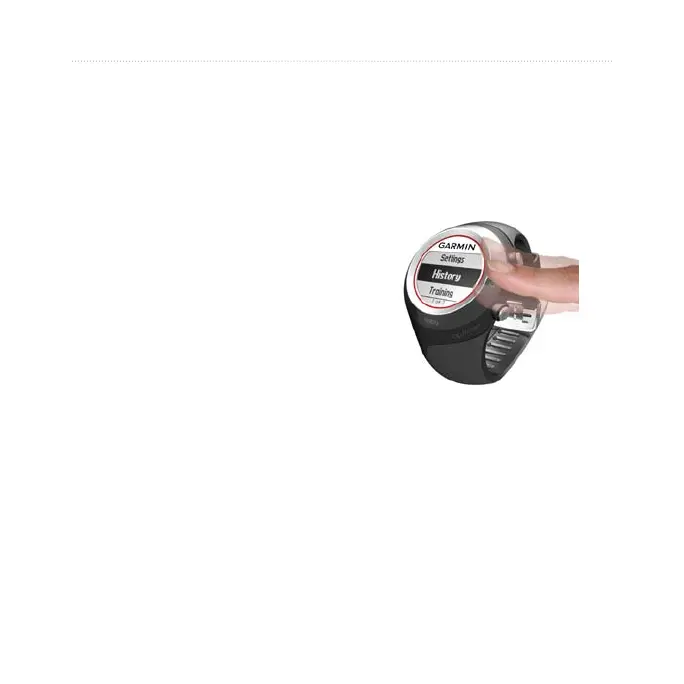
Use the Touch Bezel
The bezel around the watch face acts
as a multifunction button.
quickly press your nger on the
bezel to make a selection, toggle a
menu option, or change pages.
hold your nger on
one of the four labeled areas on the
bezel to switch modes.
press two ngers on
two areas on the bezel to turn on the
backlight.
press your
nger on the bezel and drag it around
the bezel to scroll through the menu
options or to increase or decrease
values.















 To Next Page