Setting an Alarm
You can set multiple alarms. You can set each alarm to sound once or to repeat regularly.
1 From the watch face, hold UP.
2 Select Alarm Clock > Add Alarm.
3 Select Time, and enter the alarm time.
4 Select Repeat, and select when the alarm should repeat (optional).
5 Select Sounds, and select a type of notification (optional).
6 Select Backlight > On to turn on the backlight with the alarm.
7 Select Label, and select a description for the alarm (optional).
Deleting an Alarm
1 From the watch face, hold UP.
2 Select Alarm Clock.
3 Select an alarm.
4 Select Delete.
Starting the Countdown Timer
1 From any screen, hold LIGHT.
2 Select Timer.
3 Enter the time.
4 If necessary, select Restart > On to automatically restart the timer after it expires.
5 If necessary, select Sounds, and select a type of notification.
6 Select Start Timer.
Using the Stopwatch
1 From any screen, hold LIGHT.
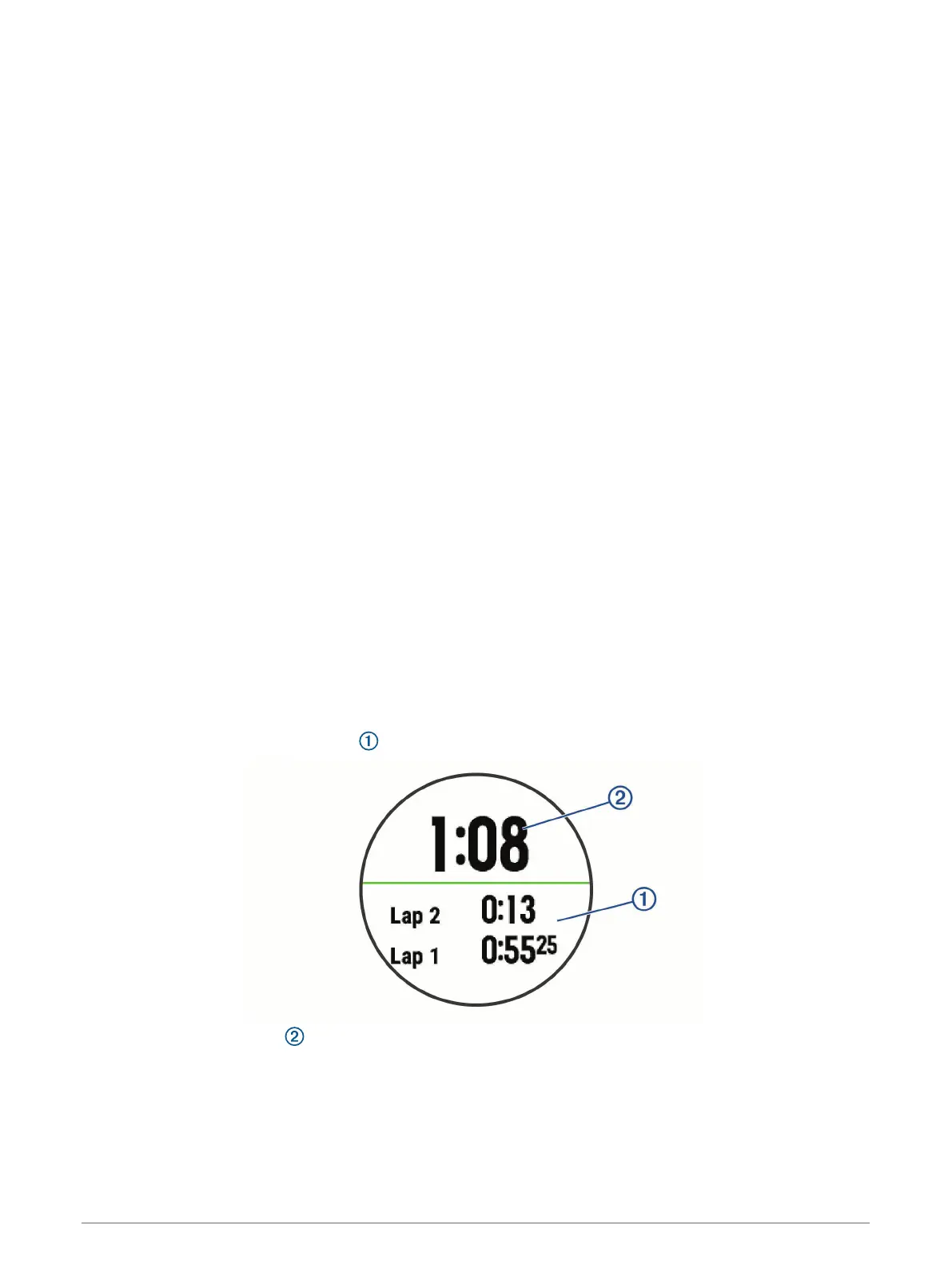
2 Select Stopwatch.
3 Select START to start the timer.
4 Select BACK to restart the lap timer .
The total stopwatch time continues running.
5 Select START to stop both timers.
6 Select an option.
7 Save the recorded time as an activity in your history (optional).
36 Customizing Your Device















 To Next Page