GNS 430 Quick Reference
FULL SCREEN MAP
13
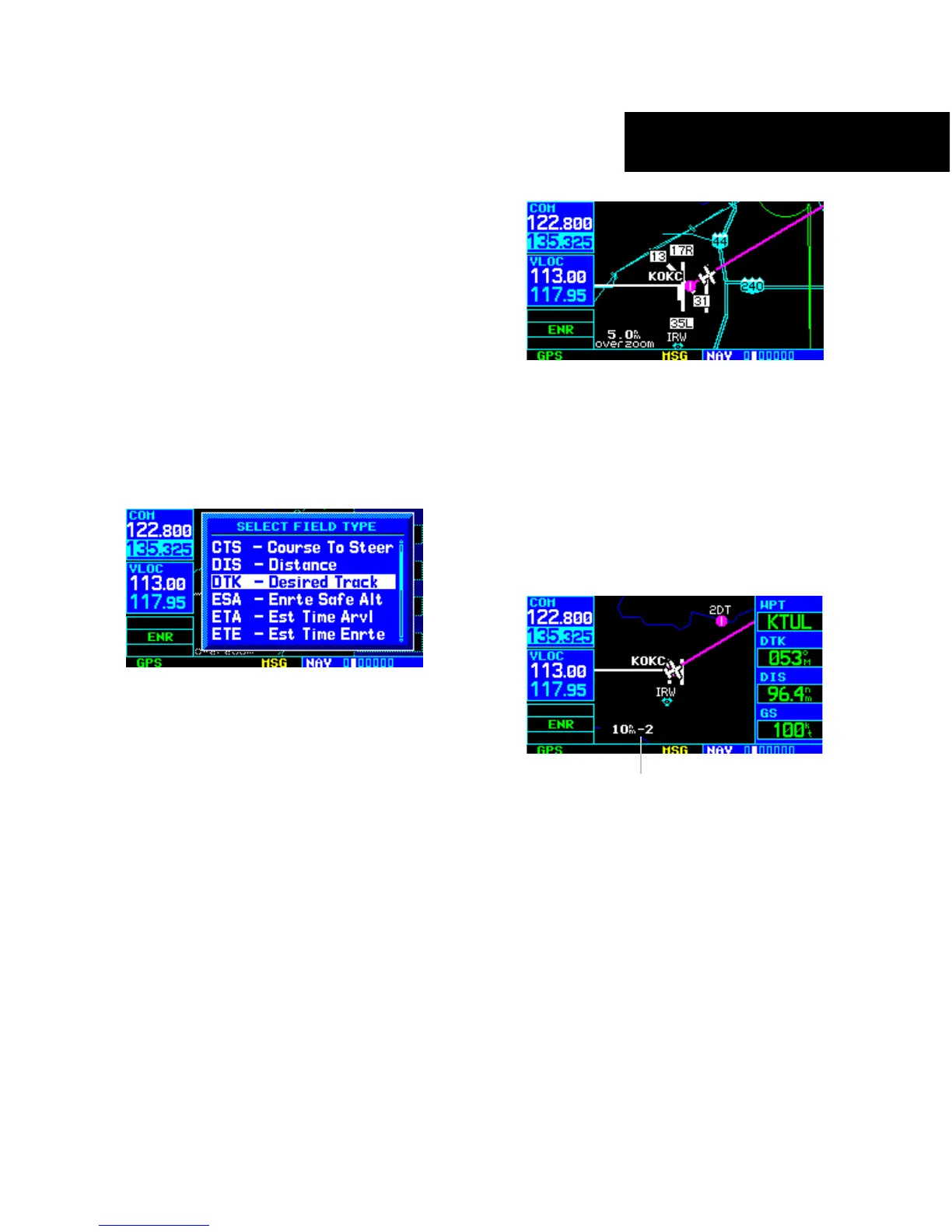
TO SELECT A DIFFERENT DATA ITEM FOR
ANY DATA FIELD
1) With Map Page displayed, press the MENU
Key to display an options menu.
2) Turn the large right knob to highlight ‘Change
Fields?’ and press the ENT Key.
3) Turn the large right knob to highlight the data
field to be changed.
4) Turn the small right knob to select the desired
type of data for this field and press the
ENT
Key.
5) Press the small right knob to remove the
cursor.
TO TURN THE DATA FIELDS OFF AND
DISPLAY A FULL SCREEN MAP
1) With the Map Page displayed, press the MENU
Key to display an options menu.
2) Turn the large
right knob to highlight ‘Data
Fields Off?’ and press the ENT Key.
3) To re-display the data fields, follow steps 1 and
2, but instead select ‘Data Fields On?’ from the
options menu.
TO QUICKLY DECLUTTER THE MAP DISPLAY
Press the CLR Key momentarily (as often as
needed) to select the desired amount of map
detail.
Map Detail Level



 To Next Page