NRST PAGE GROUP
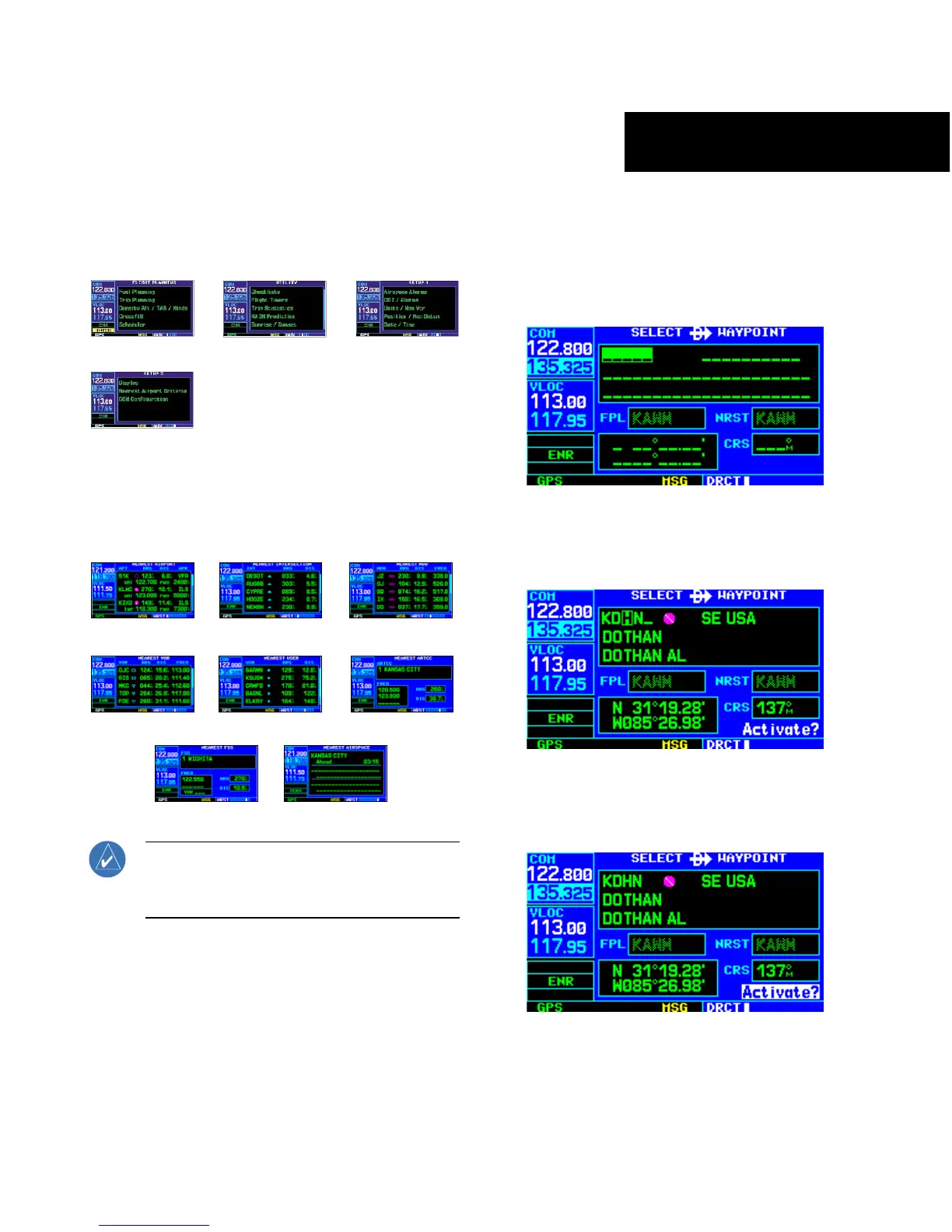
The NRST Page Group includes eight pages.
NRST Airport
NRST Intersection
NRST NDB
NRST VOR
NRST User
NRST Center
NRST Flight Service
NRST Airspace
NOTE: The flight plan pages are selected by
pressing the FPL Key and using the small right
knob to select the desired page.
TO SELECT A DIRECT-TO DESTINATION
1) Press the Direct-to Key. The Select Direct-to
Waypoint Page appears, with the waypoint
identifier field highlighted.
2) Use the small and large right knobs to
enter the identifier of the desired destination
waypoint.
3) Press the ENT Key to confirm the selected
waypoint, and press the ENT Key again to
activate the direct-to function.



 To Next Page