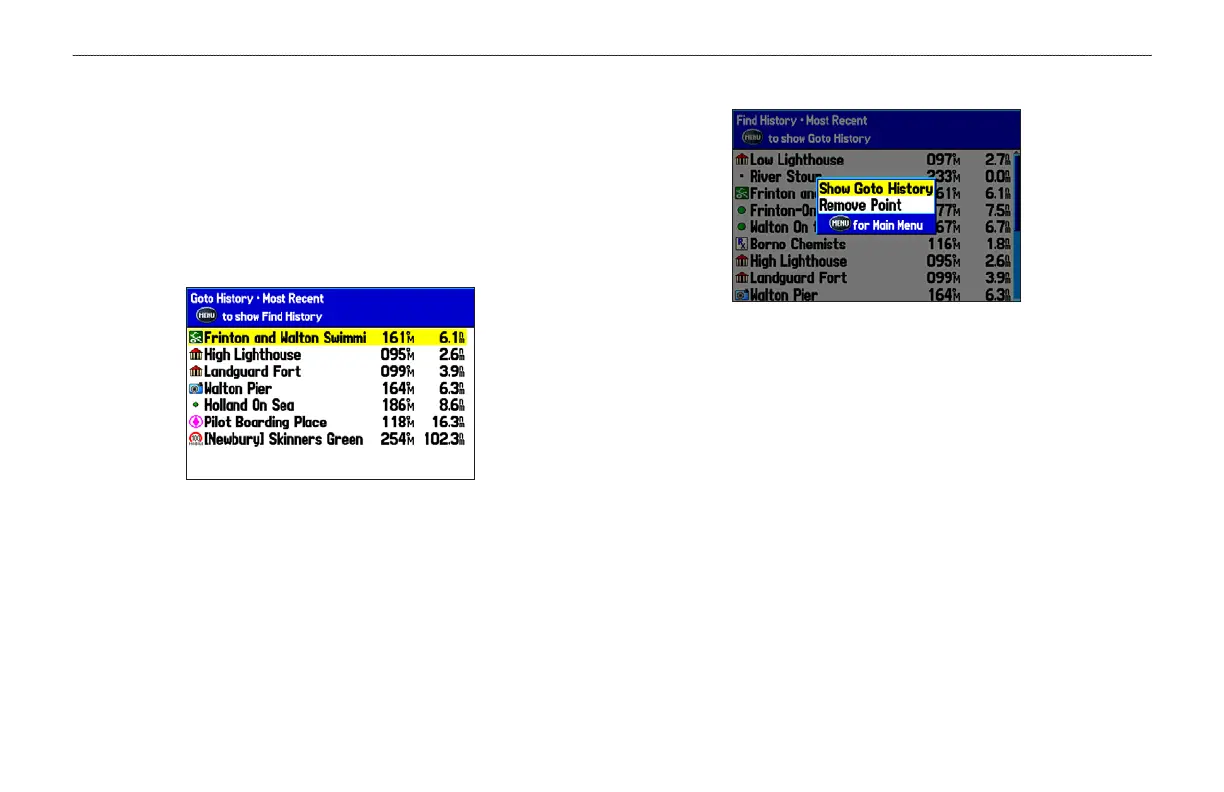
Viewing Recently Found Items
The Recently Found Page shows a list of the items you have
searched for or gone to recently.
To view a list of recently found items:
1. Press FIND to open the Find menu.
2. Highlight Recently Found, and press ENTER to open the list
of recently found items.
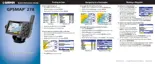
3. Press MENU to open the options menu.
4. Select Show Find History to view the list of items you have
searched for recently.
OR
Select Show Goto History to view the list of items you have
recently created a Go To for (Go To History).
5. Highlight
Remove Point, and press ENTER to delete the
selected recently found point.
20 GPSMAP 278 Owner’s Manual
MARINE MODE > FINDING AN ITEM













 To Next Page