Navigating a Saved Route
Use the Navigate Route option to select and navigate a saved route.
To navigate a saved route:
1. Press the NAV key.
2. Highlight Navigate Route, and press ENTER.
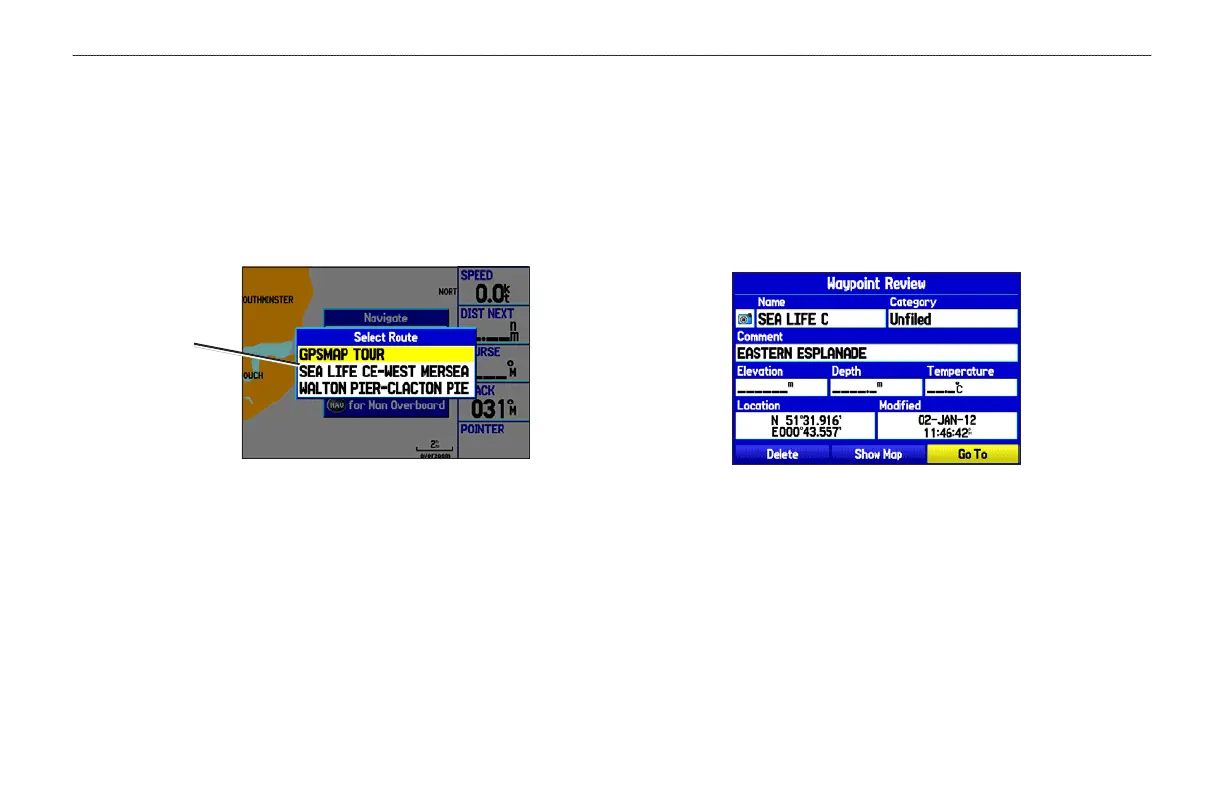
3. Highlight a route, and press ENTER.
Select a route
from list
To navigate a new route using the Find menu:
1. Press the NAV key.
2. Highlight Go To Point, and press ENTER to open the Find
menu.
3. Highlight Waypoints, and press ENTER.
4. Select a waypoint from the list, and press ENTER to open the
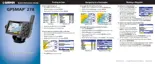
Waypoint Review Page.
Waypoint Review Page
5. With the Go To button highlighted, press ENTER to begin
navigation.
24 GPSMAP 278 Owner’s Manual
MARINE MODE > CREATING AND USING ROUTES













 To Next Page