2. Use the ROCKER to highlight the field below Proximity
Alarm, and press ENTER.
3. Select the On or Off setting and press ENTER.
To add a proximity waypoint:
1. From the Proximity Points tab, use the ROCKER to highlight
an empty line on the Proximity List, and press ENTER. The
Find Menu appears.
2. Select a waypoint or point of interest from the Find menu.
3. With OK highlighted, press ENTER to select the point. The
distance field is now highlighted. Press ENTER to begin
entering the proximity radius.
4. Use the ROCKER to enter a distance value (up to 99.99
units) and press ENTER.
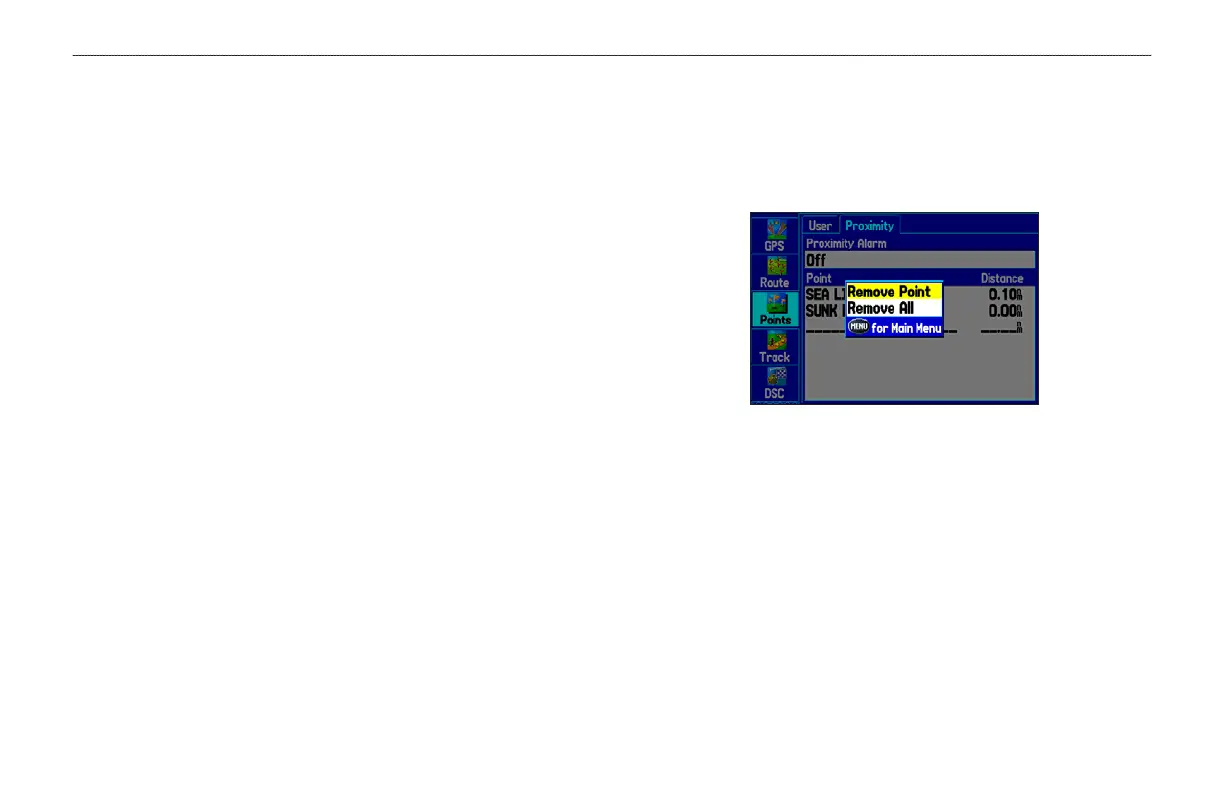
To clear one or all proximity waypoints from the list:
1. Highlight the Points tab on the Main Menu, and then select
the Proximity sub tab.
2. Use the ROCKER to highlight the proximity waypoint to clear,
and press MENU.
Proximity Points Tab Options Menu
3. To clear a single alarm, highlight Remove Point, and press
ENTER. To clear all proximity waypoints, select Remove All,
and press ENTER.
4. Use the ROCKER to highlight OK, and press ENTER to
confirm.
GPSMAP 278 Owner’s Manual 37
MARINE MODE > CREATING AND USING WAYPOINTS













 To Next Page