MapSource User’s Manual 21
USING MAPSOURCE > CREATING AND EDITING ROUTES
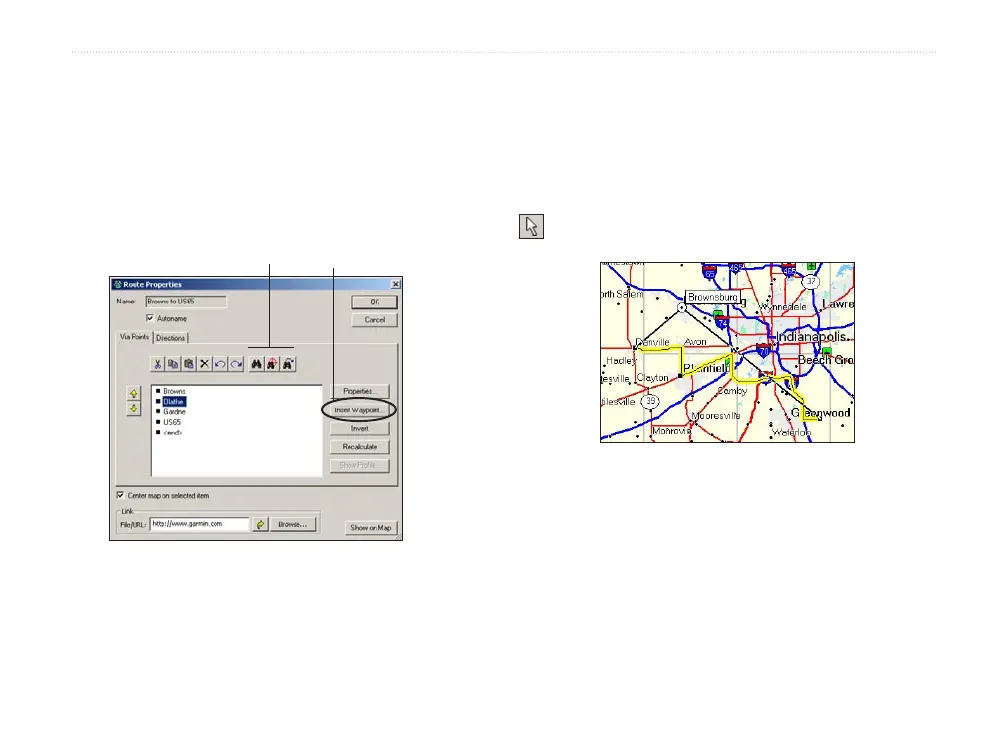
To see points on the map, highlight each point
and click Show on Map, or check the box next
to Center map on selected item to see each
point in the center of the map.
6. Click OK to save the new route.
Click Find buttons to
search for map features.
Click to insert a
waypoint listed in the
Waypoints tab.
Editing Routes
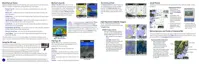
You can edit routes directly on the Graphic Map or
using the Route Properties dialog box.
From your route on the Graphic Map, you can add,
move, and remove waypoints using the selection tool
.
Moving a route waypoint on the Graphic Map.
Route Properties dialog box



 To Next Page