MapSource User’s Manual 23
USING MAPSOURCE > CUSTOMIZING MAPSOURCE
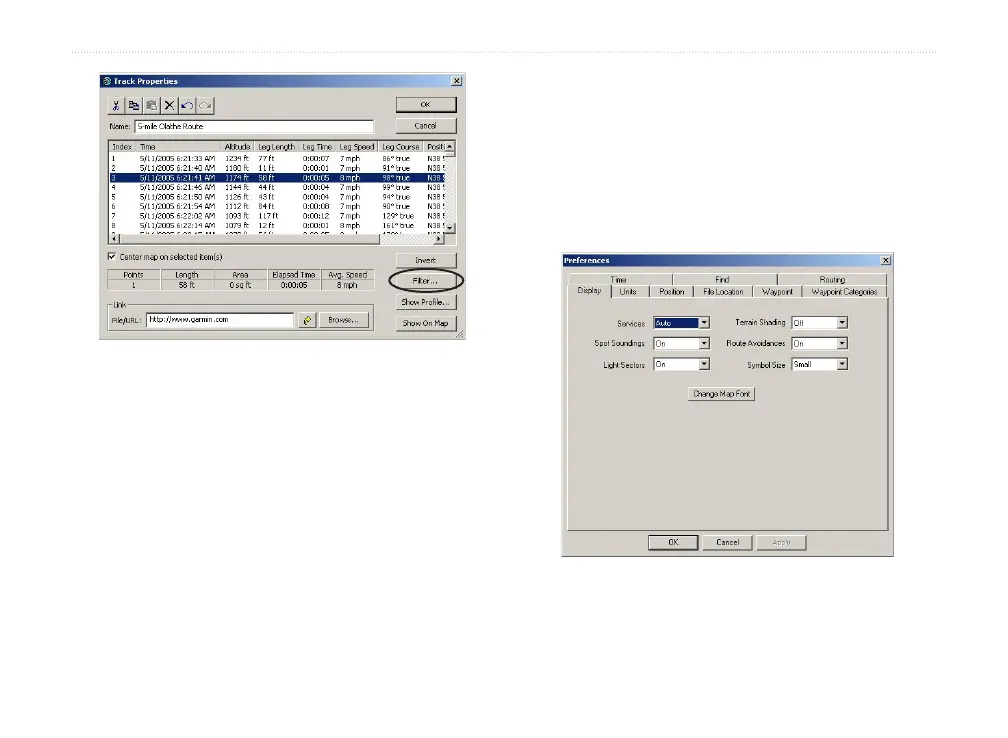
Track Properties dialog box
Filtering Tracks
Each track point contains time, position, and speed
information. From the Track Properties dialog box,
click Filter. When you filter a track you have loaded
from your GPS unit, you tell MapSource which track
points you want to keep and which to discard. You can
filter track points by time or distance, or you can let
MapSource filter the track points automatically.
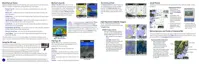
Customizing MapSource
After you become comfortable using MapSource, you
may want to customize preferences to meet your needs.
You can change many settings by opening MapSource
Preferences. Click Edit > Preferences to open the
Preferences dialog box.
Preferences dialog box



 To Next Page