Garmin Mobile
™
PC Quick Start Manual 3
Acquire GPS Signals
1. Open Garmin Mobile PC.
2. Move to an open area, out of parking garages, and
away from tall buildings.
Acquiring satellite signals may take a few minutes.
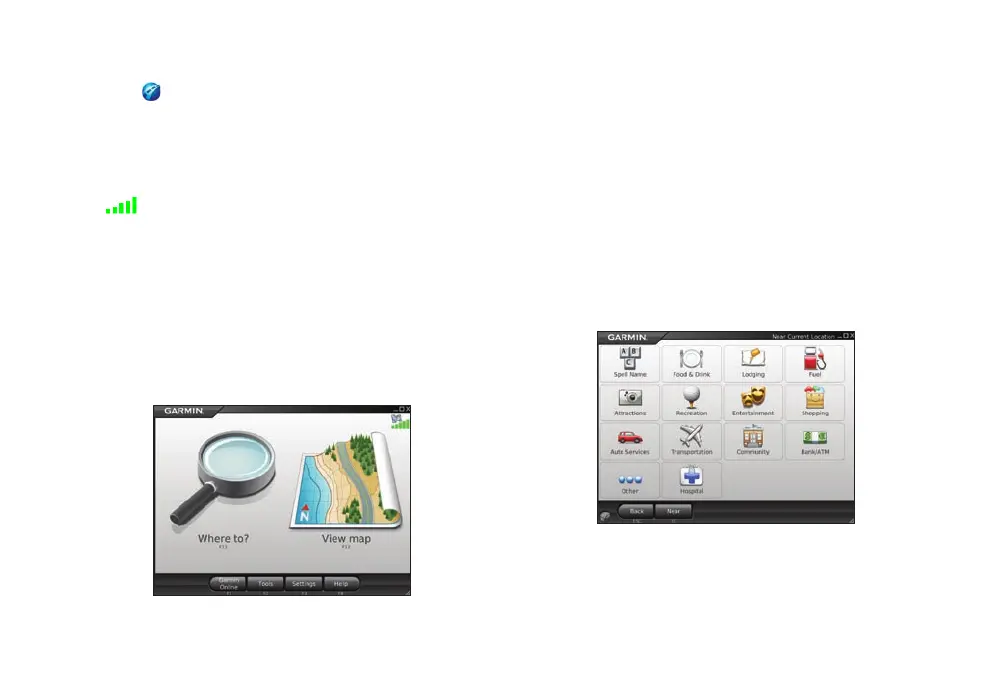
The bars in the upper-right corner of the Menu
page indicate satellite strength. When at least one bar is
green, you can nd your destination and go to it.
Navigating with Garmin Mobile PC
For complete information on using Garmin Mobile PC,
click Help on the Menu page.
Where to?: nd addresses, points of interest (POIs)
such as restaurants and hotels, saved locations, and a
variety of other locations in your detailed map.
View map: view a map of your current location. The
map moves as you move to constantly show your
current location.
Finding a Destination
The Where to? menu provides several categories and
sub-categories to help you nd destinations.
1. Click Where to? > Food, Hotels....











 To Next Page