EasyManua.ls Logo

Garmin Rino 650 - User Manual

Garmin Rino 650
56 pages
Print Icon
To Next Page IconTo Next Page
Loading...
Rino
®
650
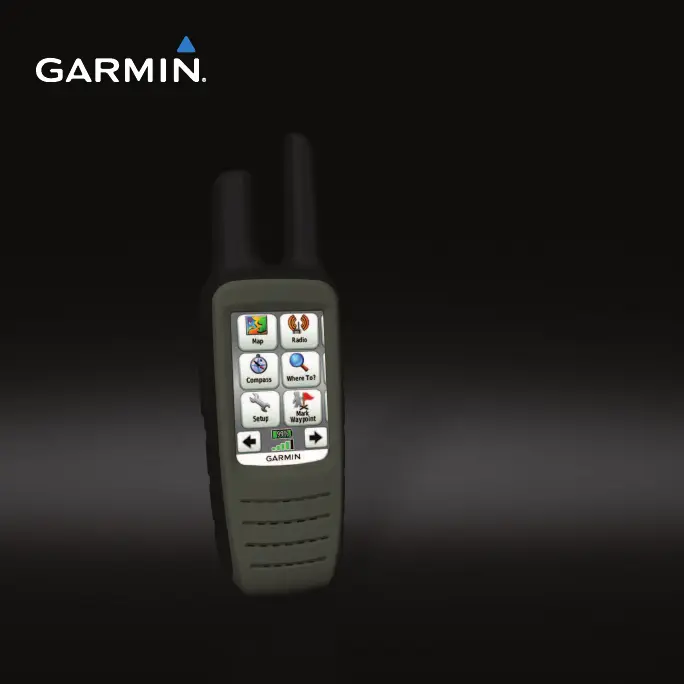
owner’s manual
August 2011 190-01183-03_0B Printed in Taiwan

Table of Contents

Other manuals for Garmin Rino 650

Questions and Answers

  • R
    Ryan FreemanJul 26, 2025
    Why does my Garmin Rino 650 device not acquire satellite signals?
    • A
      Ashley WhiteJul 26, 2025
      If your Garmin GPS device is not acquiring satellite signals: 1. Take your device out of parking garages and away from tall buildings and trees. 2. Turn on the device. 3. Remain stationary for several minutes.
  • S
    Steven ThomasJul 31, 2025
    How to reset Garmin GPS device when the screen does not respond?
    • H
      Hannah DavidsonJul 31, 2025
      If the screen of your Garmin GPS device is unresponsive, reset the device by removing the batteries and then reinstalling them. Note that this process does not erase any of your data or settings.
  • C
    Candace GrayAug 4, 2025
    Why my Garmin Rino 650 device will not charge?
    • V
      vhunterAug 4, 2025
      If your Garmin GPS device is not charging, consider the following: • Ensure the lithium-ion battery is properly installed. • Ensure the temperature is between 0 and 45°C (32°F and 113°F). • Turn down the backlight.
  • L
    Lisa SmithAug 10, 2025
    What to do if my Garmin Rino 650 GPS battery gauge does not seem accurate?
    • C
      Christopher BoothAug 10, 2025
      If the battery gauge on your Garmin GPS device is inaccurate, leave the device on until the battery runs out. Then, fully charge the battery without interrupting the charge cycle.
  • D
    Deborah GonzalesAug 15, 2025
    How to reset a Garmin GPS to factory defaults?
    • A
      Amanda ArcherAug 15, 2025
      To reset your Garmin GPS device to its factory default settings, select Setup > Reset > Restore Defaults to Factory Settings.
  • C
    Christina MoodyAug 20, 2025
    What to do if my Garmin Rino 650 device is connected to the computer, but it will not go into mass storage mode?
    • E
      Emily ScottAug 20, 2025
      This issue may occur if you have loaded a corrupted file. To resolve this: 1. Disconnect the Garmin GPS device from your computer. 2. Turn off the device. 3. Hold while you connect the device to your computer. 4. Continue holding for 30 seconds or until the device goes into mass storage mode.

Summary

Getting Started

Keys

Describes the function of the device's buttons for basic operation.

Battery Information

Essential information regarding the device's power source and handling.

Acquiring Satellite Signals

Adjusting the Backlight Brightness

Radio

Radio Channels

Details available channels for radio communication and their usage.

Radio Settings

About Peer-to-Peer Positioning

Radio Page Status Indicators

Waypoints and Tracks

Waypoints

Defines and explains how to record and store locations on the device.

About Sharing Data

Tracks

Navigating a Saved Track

Navigation

Navigating to a Destination

Steps to find and follow a route to a specific location.

Map

Compass

Information on using the device's electronic compass for direction.

Geocaches

Navigating to a Geocache

Steps for navigating to a specific geocache location.

Routes

Creating a Route

How to plan, create, and save a sequence of waypoints for navigation.

Using Sight N Go

Starting Navigation to a Man Overboard Location

Customizing Your Device

Customizing the Data Fields

How to personalize the data displayed on various screens.

Customizing Specific Pages

System Settings

Display Settings

Map Settings

Options for configuring map orientation, zoom, and detail levels.

Tracks Settings

Changing the Units of Measure

Time Settings

Configuration of time display, format, and time zone.

Altimeter Settings

Restoring Default Settings

Tools

Trip Computer

Using the device's trip computer for tracking travel statistics.

Setting an Alarm

Device Information

Updating the Software

Steps to update the device's firmware via a computer.

Maximizing Battery Life

Installing the Alkaline Battery Pack

Caring for the Device

Water Immersion

Information regarding the device's water resistance rating and limitations.

Data Management

Connecting the Device to a Computer

Deleting Files

Appendix

Additional Maps

Information on acquiring and using extra map data for the device.

Data Field Options

Troubleshooting

Garmin Rino 650 Specifications

General IconGeneral
Outdoor (hiking, trekking)-
Marine (chartplotters, sounders)Yes
Tracks quantity200
Traffic Message Channel (TMC)No
Channels quantity22 channels
Map coverageAll Europe
Display diagonal2.6 \
Display resolution160 x 240 pixels
Display number of colors65536 colors
Display size (HxV) (imperial)1.43 x 2.15 \
Storage media typeFlash
Compatible memory cardsMicroSD (TransFlash)
Internal storage capacity1.7 GB
Form factorHandheld
Product colorBlack, Grey
Power source typeBattery
Battery life (max)14 h
Weight and Dimensions IconWeight and Dimensions
Depth45 mm
Width60 mm
Height190 mm
Weight320 g

Related product manuals