22
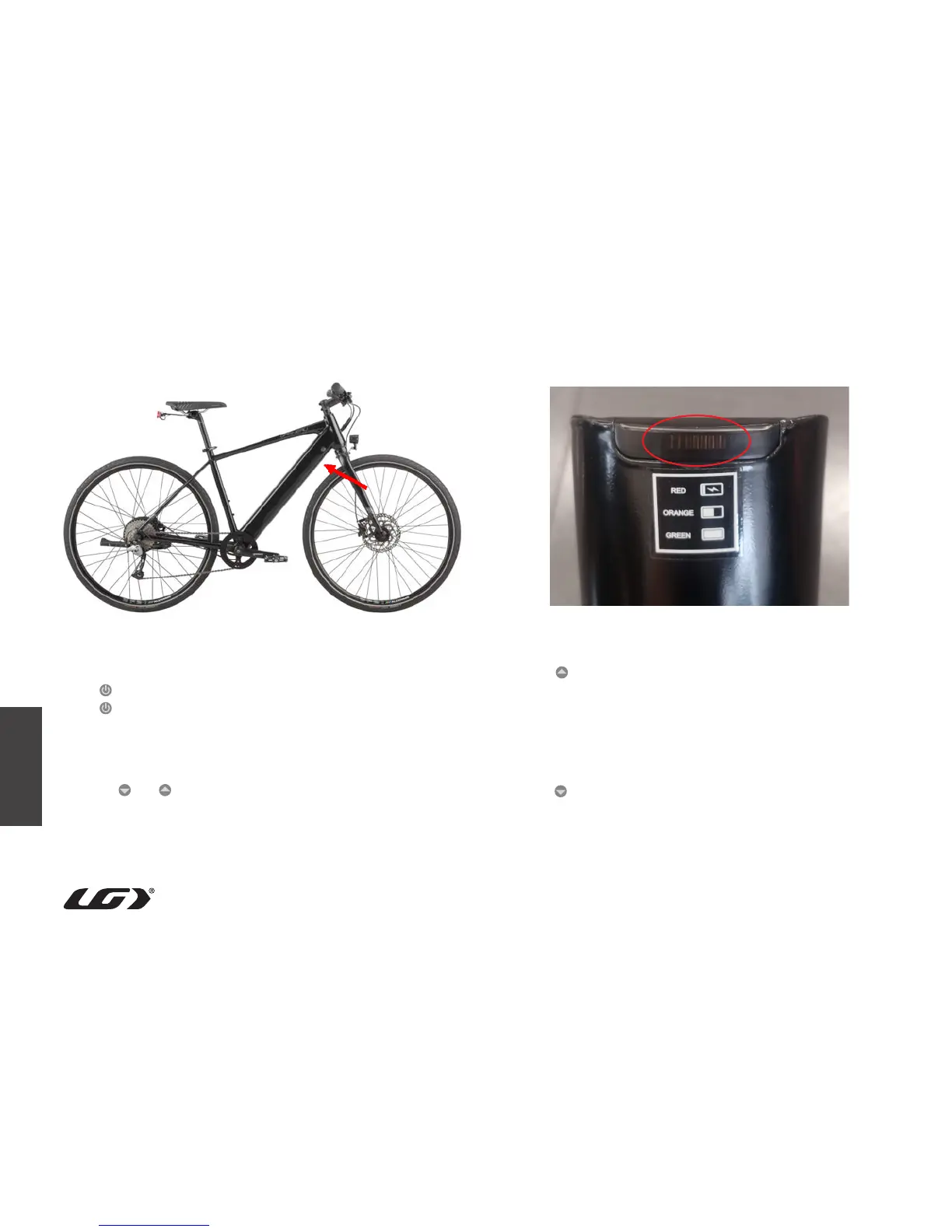
Once the battery is out of its sleep mode, follow the steps below to turn
the system on/off:
Press for 2 seconds, the display will turn ON;
Press for 2 seconds, the display will turn OFF.
It will automatically turn OFF when on standby for 5 minutes.
• Lamp/LED display brightness
Press for 2 seconds, the LED display will dim and both the front
and rear lights will turn on. Press the button for 2 seconds again, the
display will brighten and the front and rear lights will turn off.
• Walk assistance selection
Press for 2 seconds, the walk assistance will be turned ON, and
level LED will flicker. The walk assistance will turn OFF when the
button is released.
• Power assistance level selection
Press or to switch between the different support levels
(0/1/2/3/4/5); The lowest level and default level is 1; the highest level
is 5; when no LED light, level 0 (park level).



 To Next Page