29
7.1.2 ASSISTANCE LEVEL
The assistance level can be selected by briefly pressing “+” or “-” until
the desired assistance level is selected.
7.1.3 TURNING THE HEADLIGHT ON/OFF
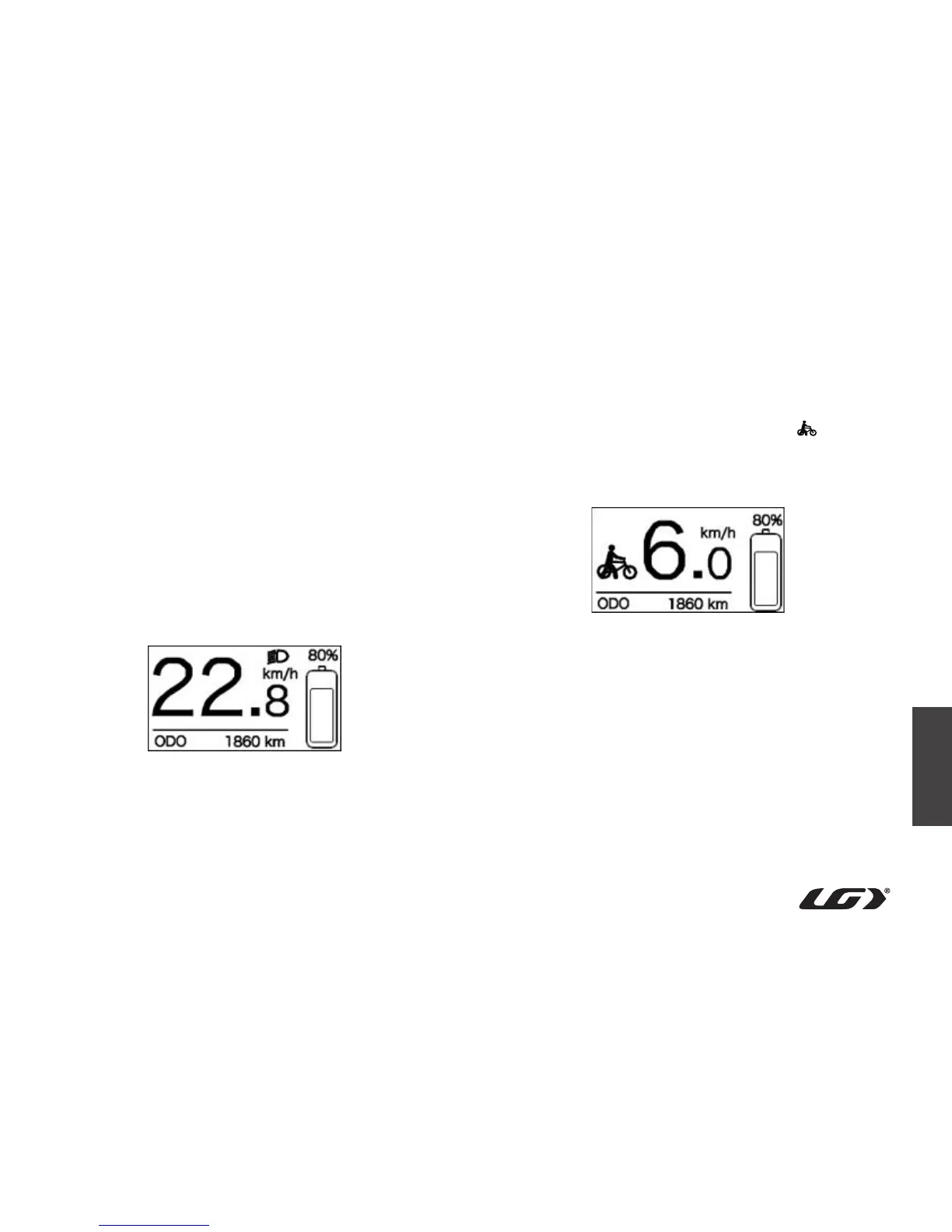
To turn on the light, press and hold the “+” button. The brightness of
the display backlight will decrease and the headlight icon will appear.
To turn off the light, press and hold the “-” button. The brightness of the
display backlight will increase and the headlight icon will disappear.
Interface: Headlight turned on
7.1.4 WALK ASSISTANCE MODE (6 KM/H)
Press and hold the “-” button. The display will show the icon and the
e-bike will enter into walk assistance mode. Release the “-” button to
exit walk assistance mode and the icon will disappear from the display.
Interface: Walk assistance mode



 To Next Page