21
6. e-URBANIA
6.1 FUNCTIONS
* The battery is designed to go in sleep mode by itself after 2h
of inactivity to save power. To start the system again after an
automatic shut down, press the button on of the battery (see image
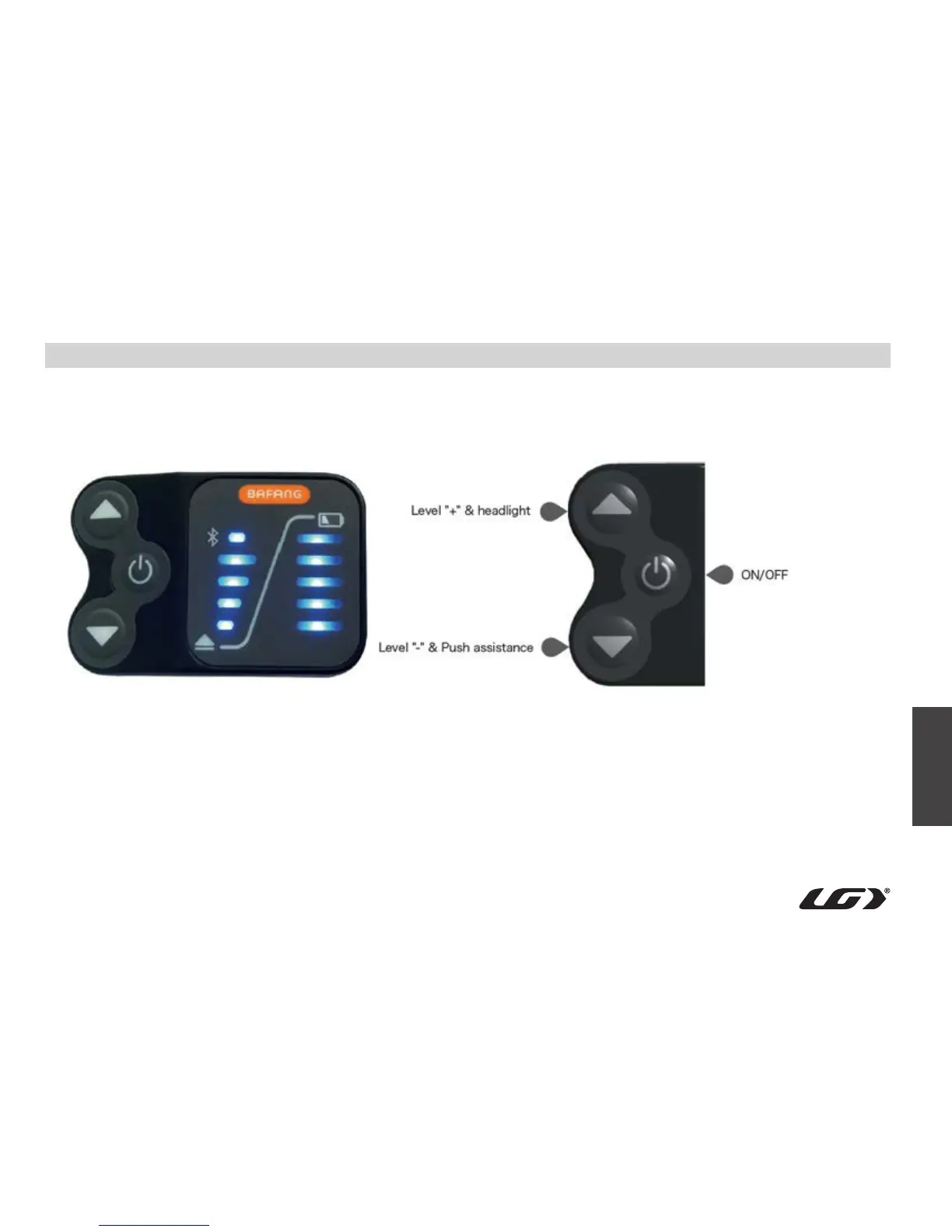
• Power on/off
above) to exit the sleep mode. Once the battery button LED
is lit, the controller power button can be pressed to start the
system.



 To Next Page