32
7.2.1 RESET SINGLE-TRIP DISTANCE
Enter DISPLAY SETTING menu and briefly press “+” or “-” to select
TRIP RESET and briefly press ON/OFF. Then, briefly press “+” or “-” to
select NO/YES. Briefly press ON/OFF to save the setting and exit back
to the TRIP RESET. Press and hold “+”and “-” at the same time to save
and exit back to main interface, or select BACK → EXIT to exit back to
main interface. (Note: after selecting the preferred setting, press and
hold “+” and “-” at the same time to save setting and exit back to main
interface). Resetting the single-trip distance also resets the riding time,
average speed and maximum speed at the same time.
7.2.2 SELECTING METRIC OR IMPERIAL UNITS
Enter DISPLAY SETTING menu and briefly press “+” or “-” to select
UNIT. Then, briefly press ON/OFF to confirm selection. Briefly press
“+” or “-” to select METRIC/IMPERIAL, then briefly press ON/OFF to
save the setting and exit back to UNIT. Press and hold “+” and “-” at
the same time or select BACK → EXIT to exit to main interface.
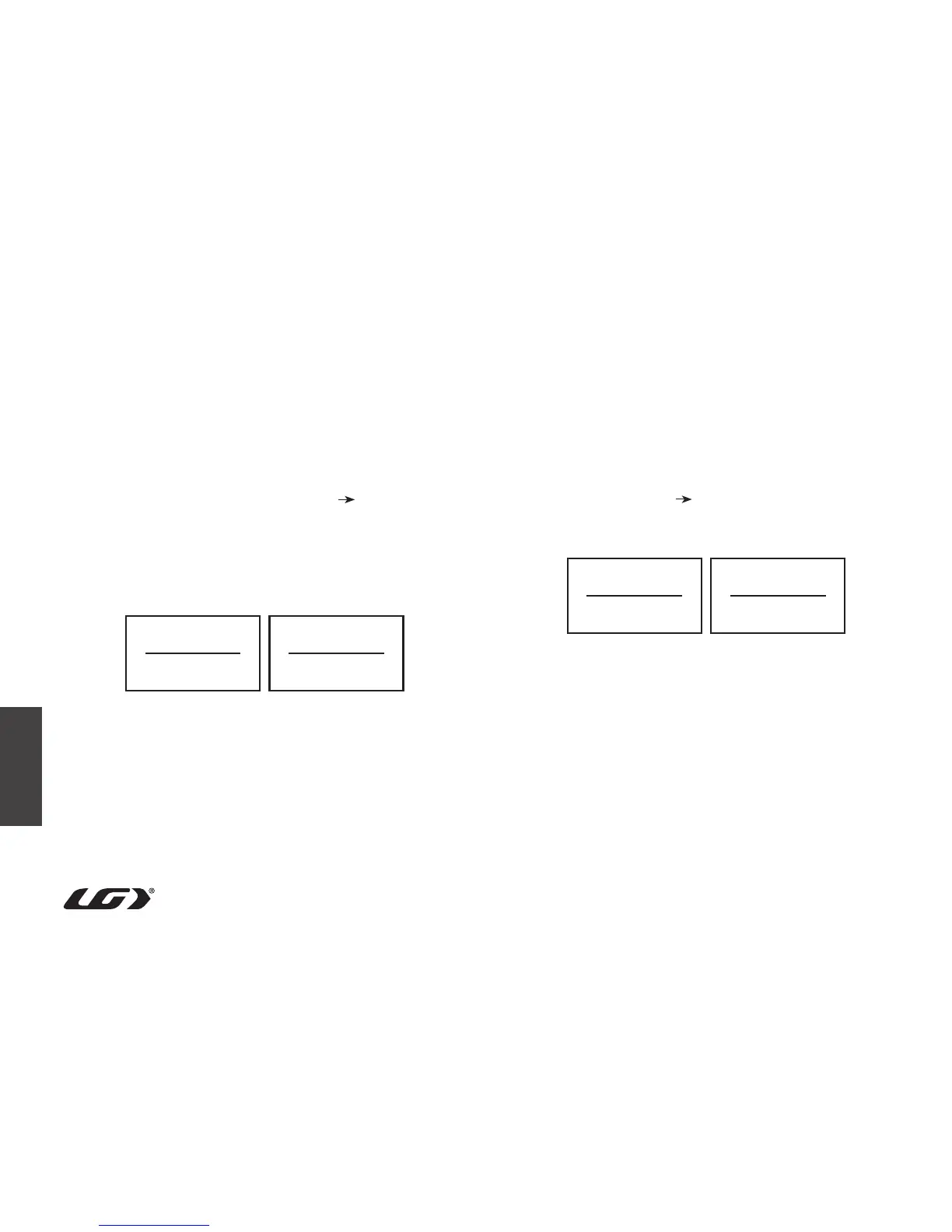
Metric units / Imperial units
Reset single-trip distance No/Yes
Trip Reset
Yes
Unit
Imperial
Trip Reset
No
Unit
Metric



 To Next Page