33
7.2.3 BACKLIGHT BRIGHTNESS SETTING
Enter DISPLAY SETTING interface and briefly press “+” or “-” to select
BRIGHTNESS and then briefly press ON/OFF to confirm selection.
Briefly press “+” or “-” to select 100% / 75% / 50% / 30% / 10%.
After selection, briefly press ON/OFF to save the setting and exit back
to the BRIGHTNESS interface. Press and hold “+” and “-” at the same
time to exit back to main interface or select BACK → EXIT to exit back
to main interface.
7.2.4 AUTO OFF TIME SETTING
Enter DISPLAY SETTING interface and briefly press “+” or “-” to select
AUTO OFF, then briefly press ON/OFF to confirm selection. Briefly press
“+” or “-” to select OFF/9/8/7/6/5/4/3/2/1, which stand for the number of
minutes without action the system will wait before it shuts down.
After selection, briefly press ON/OFF to save the setting and exit back
to AUTO OFF interface. Press and hold “+” and “-” at the same time to
exit back to main interface or select BACK → EXIT to exit back to main
interface.
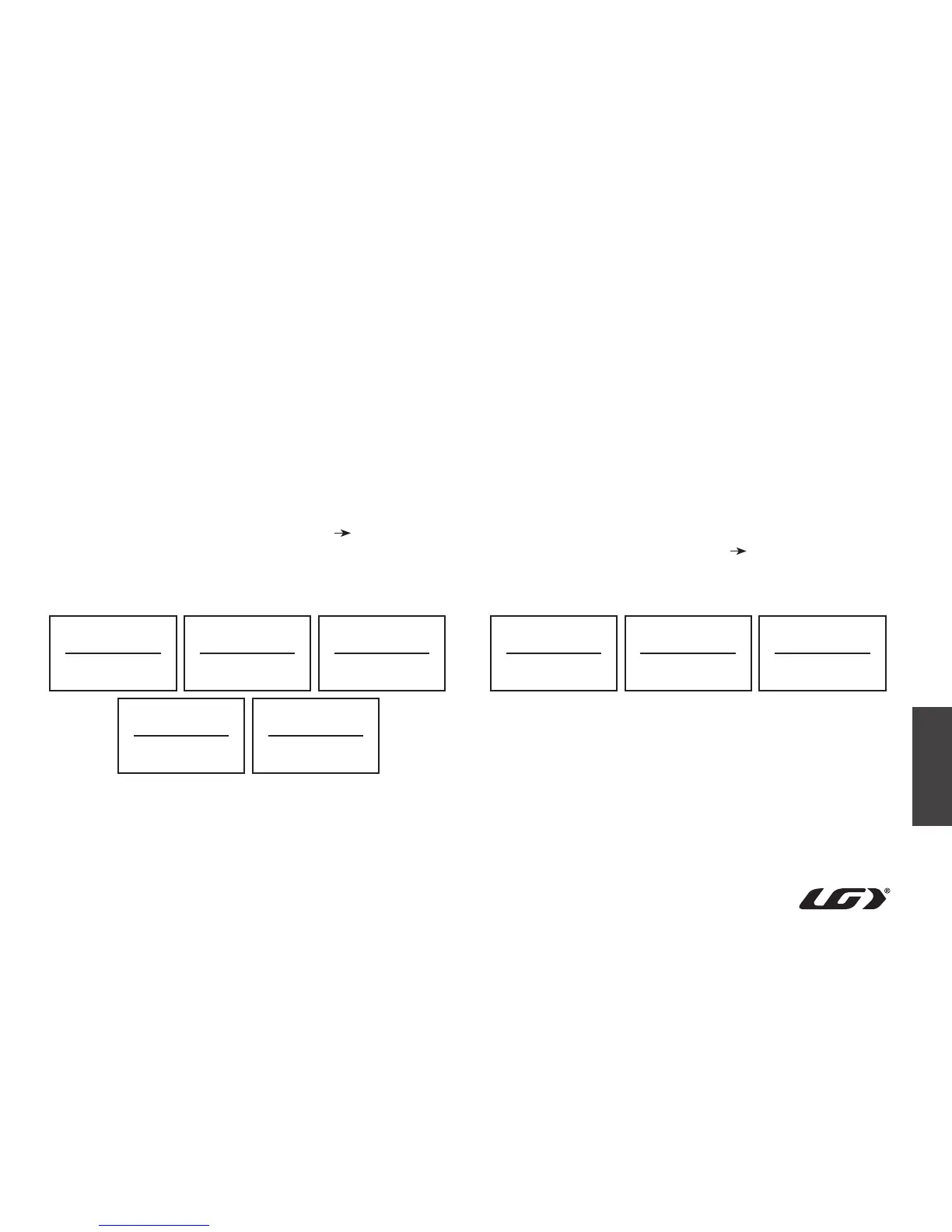
Backlight brightness level display interface
Auto Off time setting interface
Brightness
10%
Auto Off
Off
Brightness
75%
Brightness
30%
Auto Off
9
Brightness
100%
Brightness
50%
Auto Off
1



 To Next Page