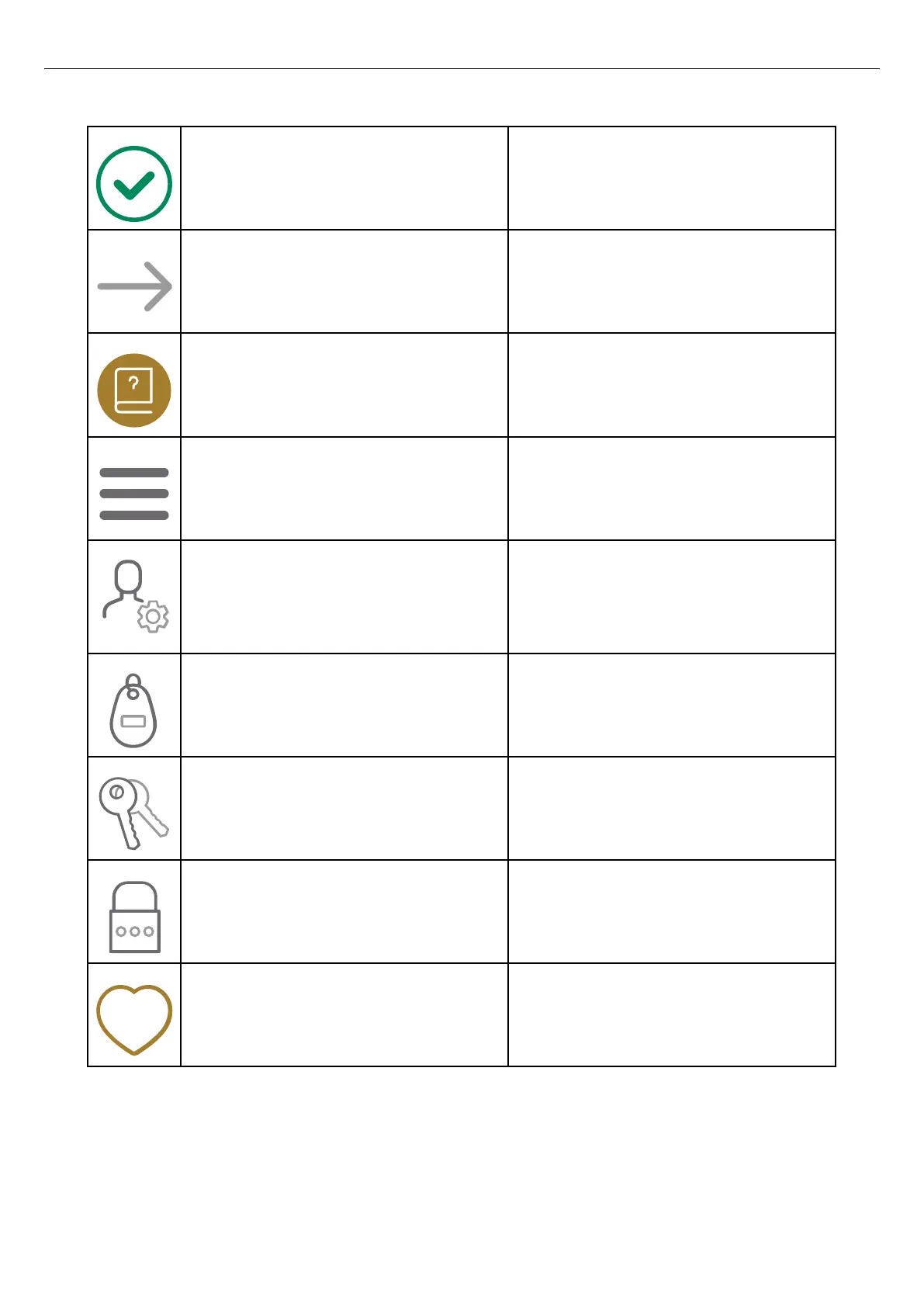
Complete The icon shows that the installation is complete.
Continue Click the icon to continue the installation process.
User manual Click the icon to access the operator and
installation manual of the product.
Main menu Click the icon to choose action in the main menu;
load and use, manage charging stations and
users, or install charging stations.
Personal settings Manage name and e-mail address. Click the
settings icon next to your name to manage
personal settings, such as name and e-mail
address.
RFID tags Click the icon to add or remove RFID tags.
User rights Click the icon to manage settings for user rights.
Password Click the icon to change password.
Favorite Click the icon to mark the location as a favorite.
42
Installation



 To Next Page