NOTE
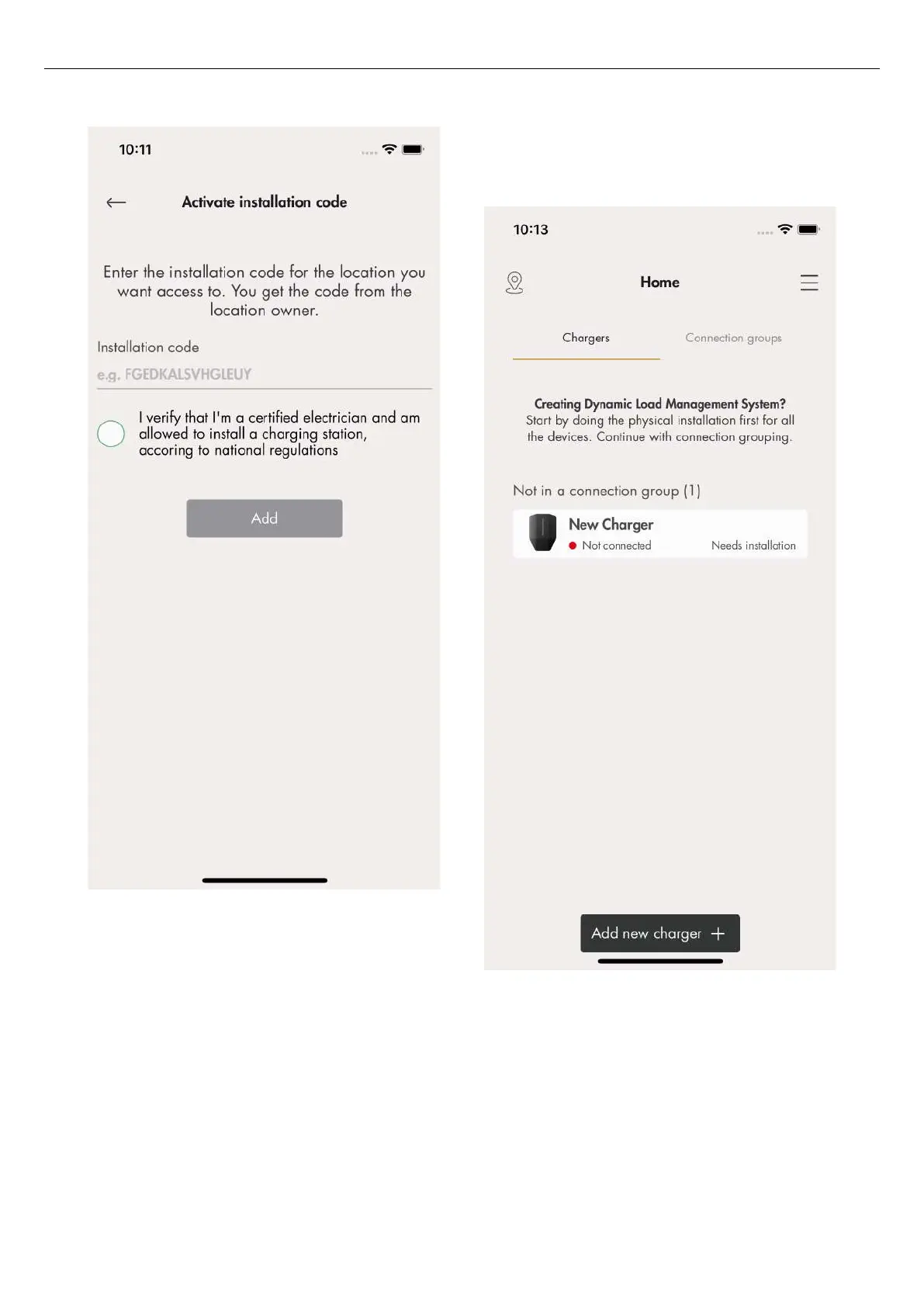
To access a location for installation, the owner of the
location creates/generates a 12–letter installation code
that works like a key to the location. The code can be
handed over to an installer by mail, paper or any other
media. The installer must have the code to start an
installation. If a new installation code is generated by
the owner, the old code becomes invalid and cannot be
used. A location is normally equal to an electrical mains
system of a building/site/area.
5. Click the charging station to be installed and
perform the installation, following the guided steps.
Start with the master charging station.
6. The installation guide displays. Each step must be
completed in order to finalize the installation.
52
Installation



 To Next Page