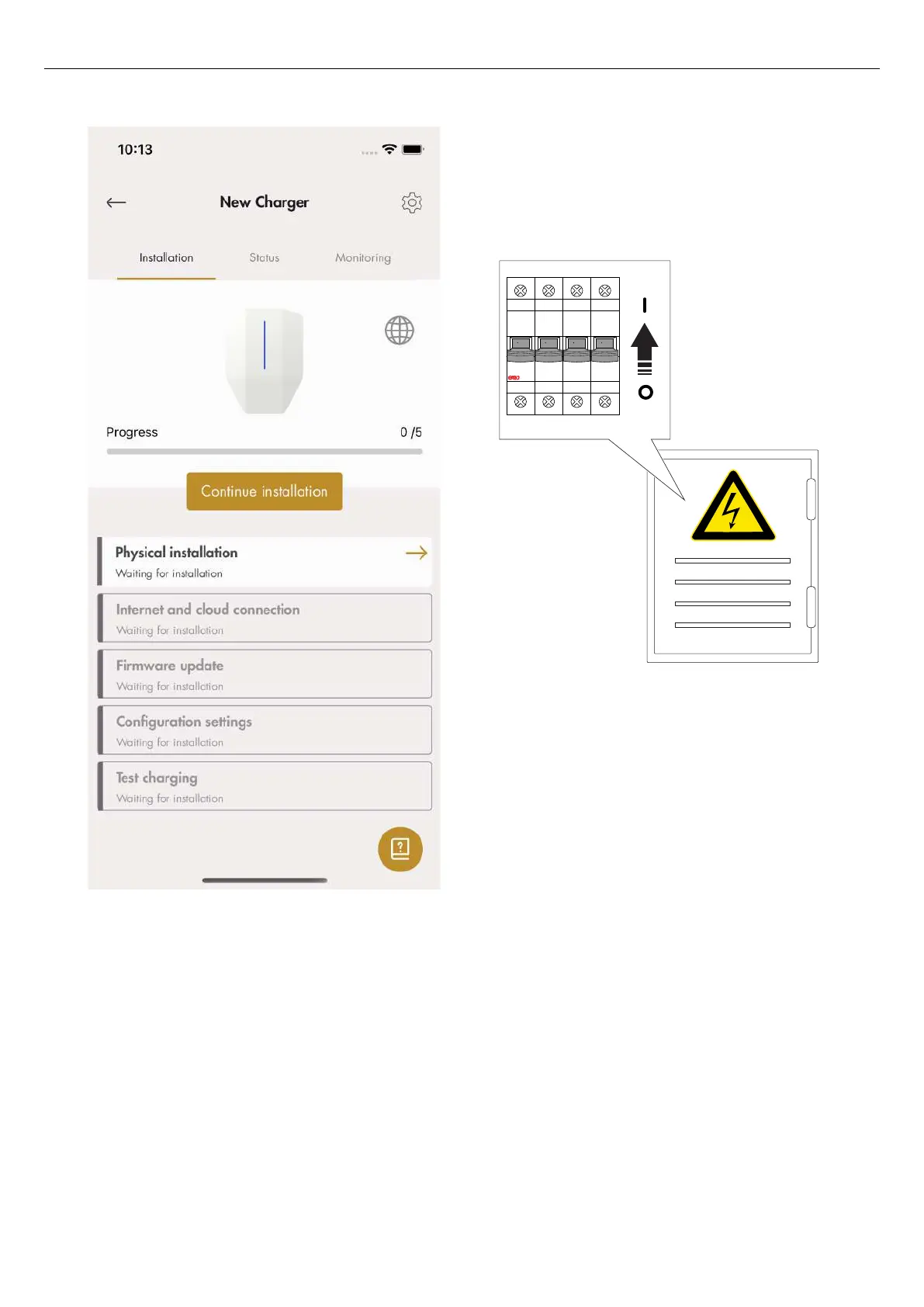
7. Physical installation
a. Install the charging station(s). Refer to 4
Installation, page 17.
b. Set the power to on.
WARNING
Electrical power can cause serious personal injury or
death.
c. Wait for the charging unit to start. This takes
approximately 2 minutes and is shown with a
green light indication.
8. Internet and cloud connection
Internet to a CS is connected in this priority:
1. Ethernet cable
2. Mesh Wi-Fi (if the charging station is part of a
connection group)
3. Local Wi-Fi (requires manual setting)
4. 4 G/LTE
The internet should connect automatically. If it does
not, or if a local Wi-Fi is used, then a local
connection between the device (mobile with app)
and the charging station will be established. Once
this connection is established, internet connectivity
can be managed manually.
O OFF O OFF O OFF O OFF
53
Installation



 To Next Page