NOTE
After the installation is complete each charging station
can be activated and deactivated. An inactivated
charging station is indicated as red.
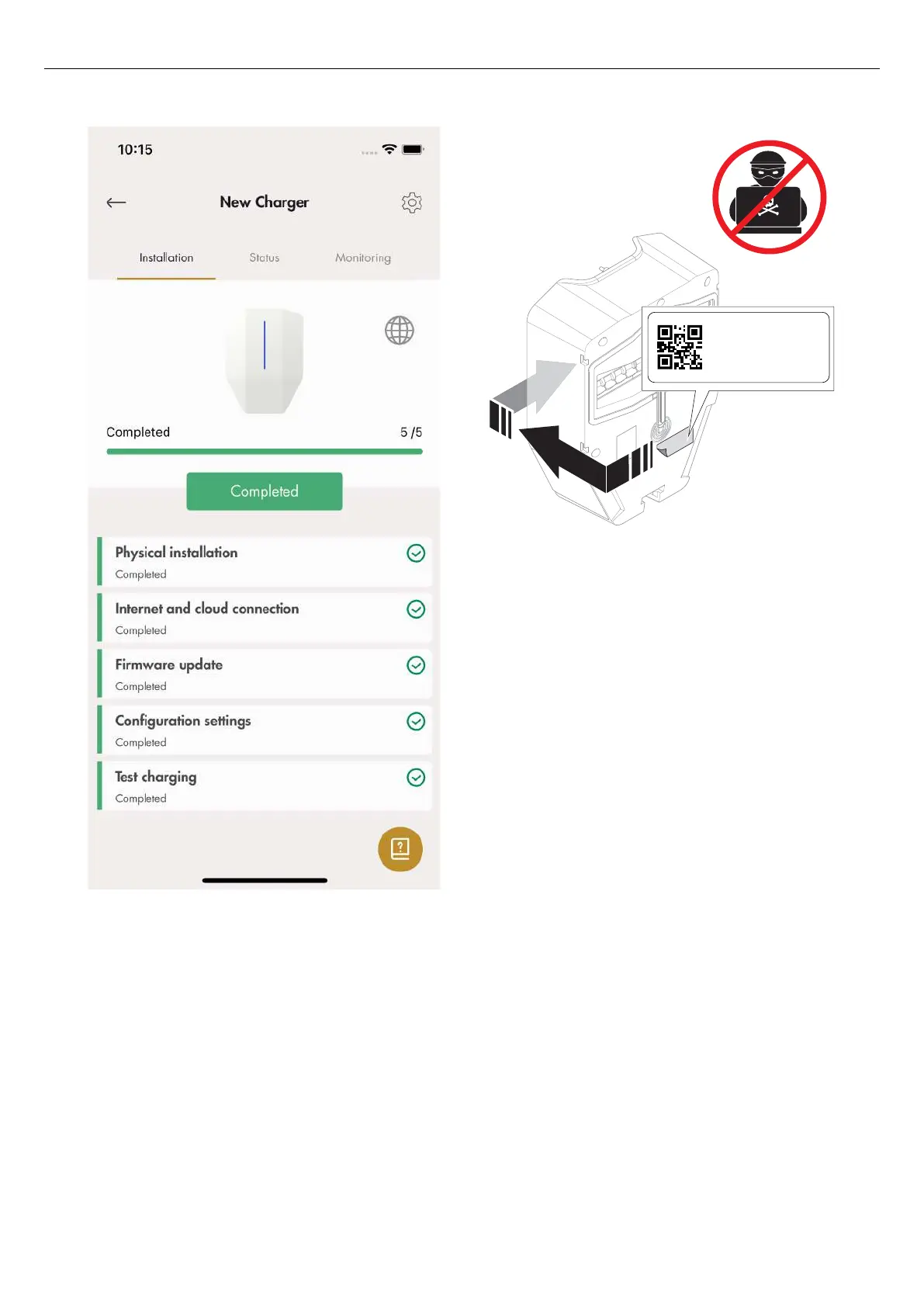
13. Remove the ID label from the charging unit.
The Wi-Fi credentials on this label can be used to
gain unauthorized access to the charging station.
For this reason, the information should be
considered as sensitive. Place it on a safe space
location, for example on the rear side of the
charging unit.
DLM settings (installer)
The DLM settings are common, but not mandatory.
• Create a connection group for the charging
stations.
Connection group(s) can be created to control
maximal current consumption by the charging
stations, in order to protect fuses or other electrical
system components from overload. The connection
group concept is also used as default structure for
internet connectivity. It is possible to include a
connection group with another connection group as
a subgroup. Up to 4 group levels can be set up.
A connection group is always defined by a
maximal current.
4C3I36C1023A0
123456
SSID:GaroCU-4C3B6C1023A0
Key: zt55
-u0yk-m63j
Pro
58
Installation



 To Next Page