6
Chapter 1: Checking Out Your Gateway Computer
www.gateway.com
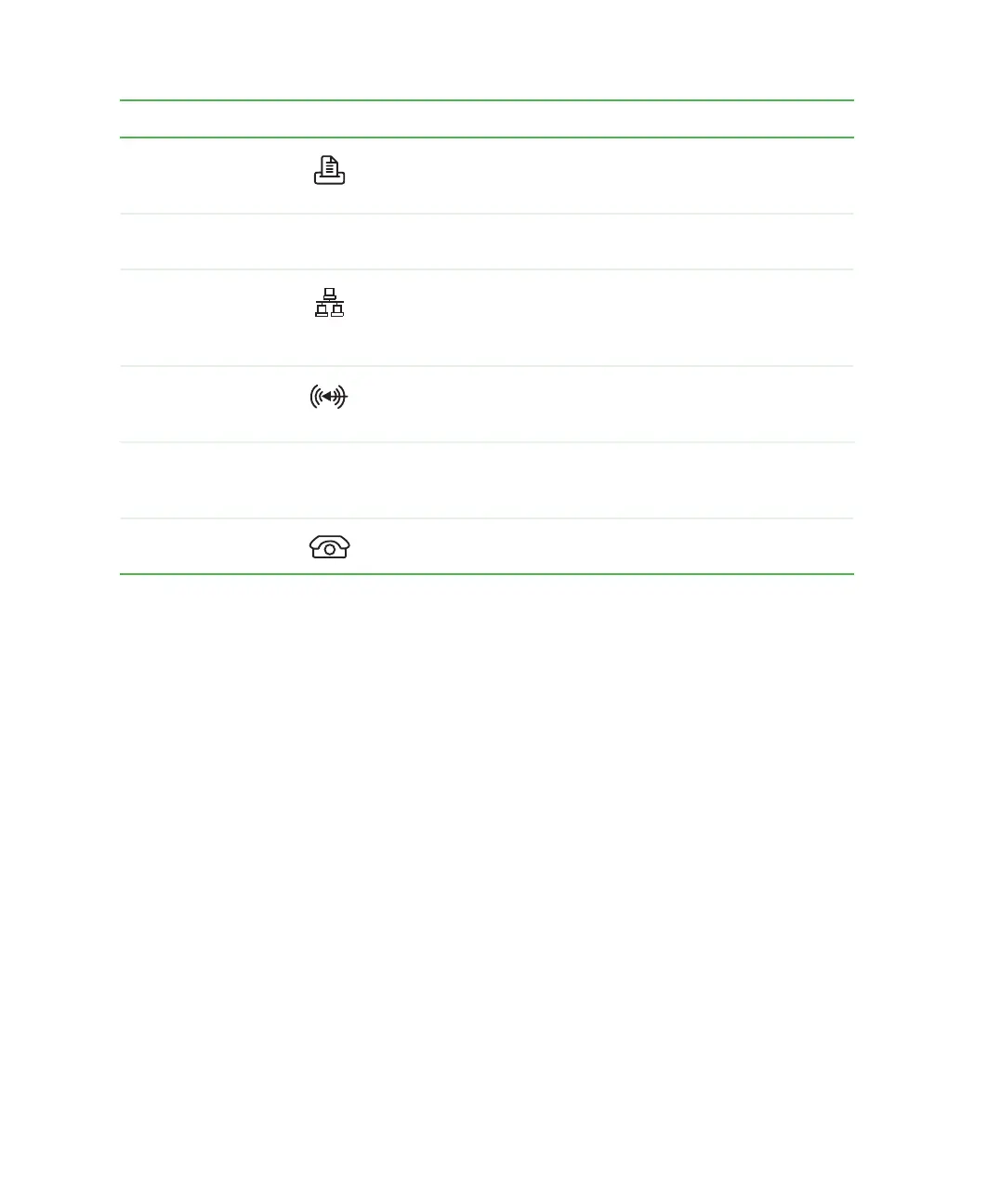
Parallel port Plug a parallel device (such as a printer) into this port. For more
information, see “Installing a printer, scanner, or other
peripheral device” on page 23.
System label Includes your computer’s model number. For more information,
see “Identifying your model” on page 7.
Ethernet (network)
jack
Plug a 10/100 Ethernet network cable or a device (such as a
DSL or cable modem for a broadband Internet connection) into
this jack. For more information, see “Learning about the
Internet” on page 58.
Audio input
(Line in) jack
Plug an external audio input source (such as a stereo) into this
jack so you can record sound on your computer. This jack is
color-coded blue.
Microsoft
Certificate of
Authenticity
Contains your Windows product key. For more information, see
“Microsoft Certificate of Authenticity” on page 7.
Telephone jack
(optional)
If your modem has a telephone jack, plug the cable for a
telephone into this jack.
Component Icon Description



 To Next Page