www.gateway.com
67
Changing gadgets
Gadgets are constantly running mini-programs that are visible on your Windows desktop. They
can be moved, removed, resized, and configured according to your preference. Although you can
position them anywhere on your desktop, gadgets are usually visible on the right edge of your
screen in the Sidebar.
Gadgets can include:
• Clocks and timers
• News feeds, weather forecasts, and stock tickers
• Slide shows and puzzles
• Calendars and contact lists
• Sticky notes
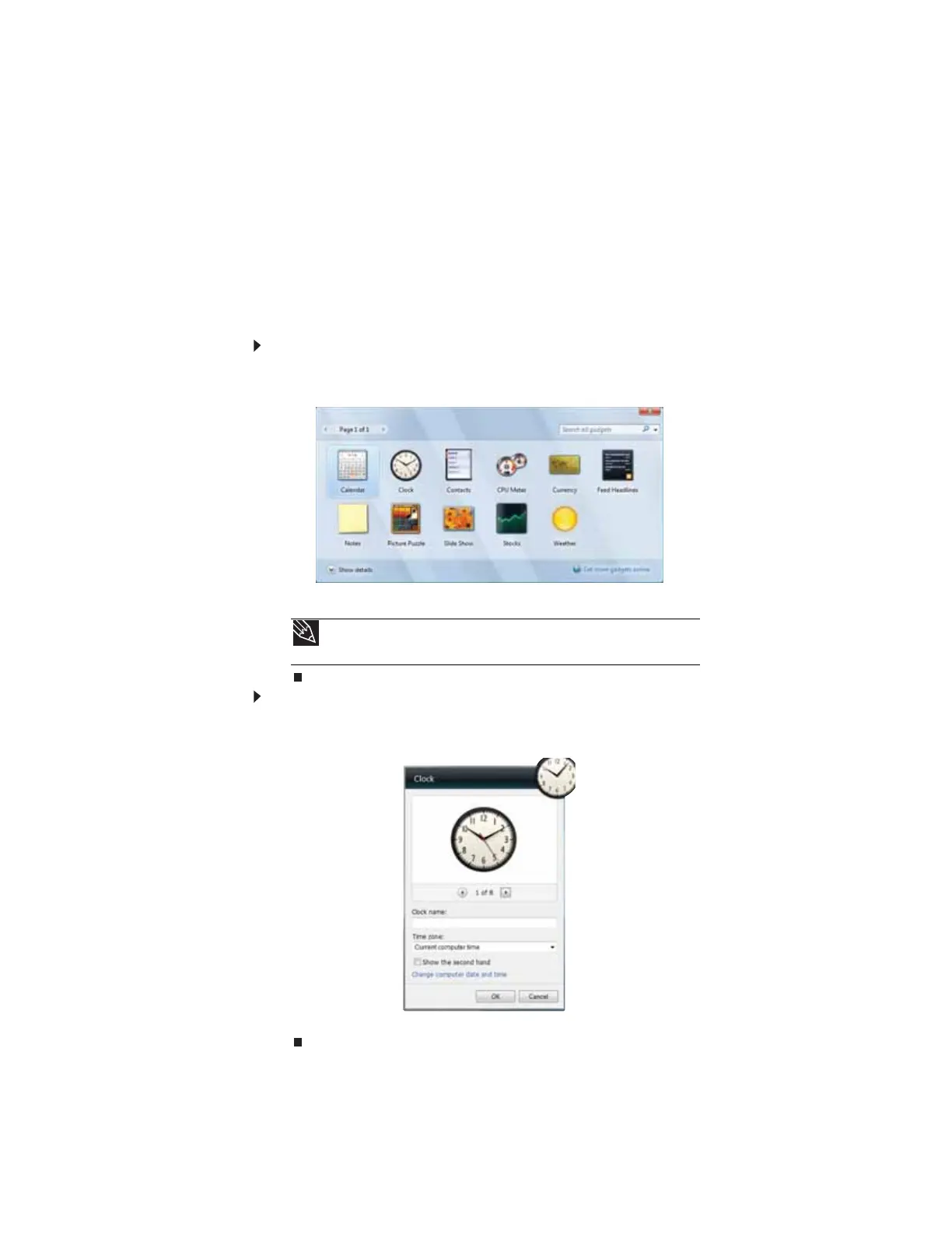
To add a gadget:
1 Click the + at the top of the Sidebar, or right-click in an empty area of the Sidebar and click
Add Gadgets. The gadget selection window opens.
2 Click the gadget you want, then drag it to the Sidebar.
To configure a gadget:
1 In the Sidebar, right-click the gadget, then click Options. The gadget’s configuration window
opens.
2 Make the changes you want, then click OK. Your changes are saved.
Tip
To shop online for more gadgets, click Get more gadgets online.
To delete a gadget, right-click the gadget, then click Close Gadget.



 To Next Page