22 Case Access
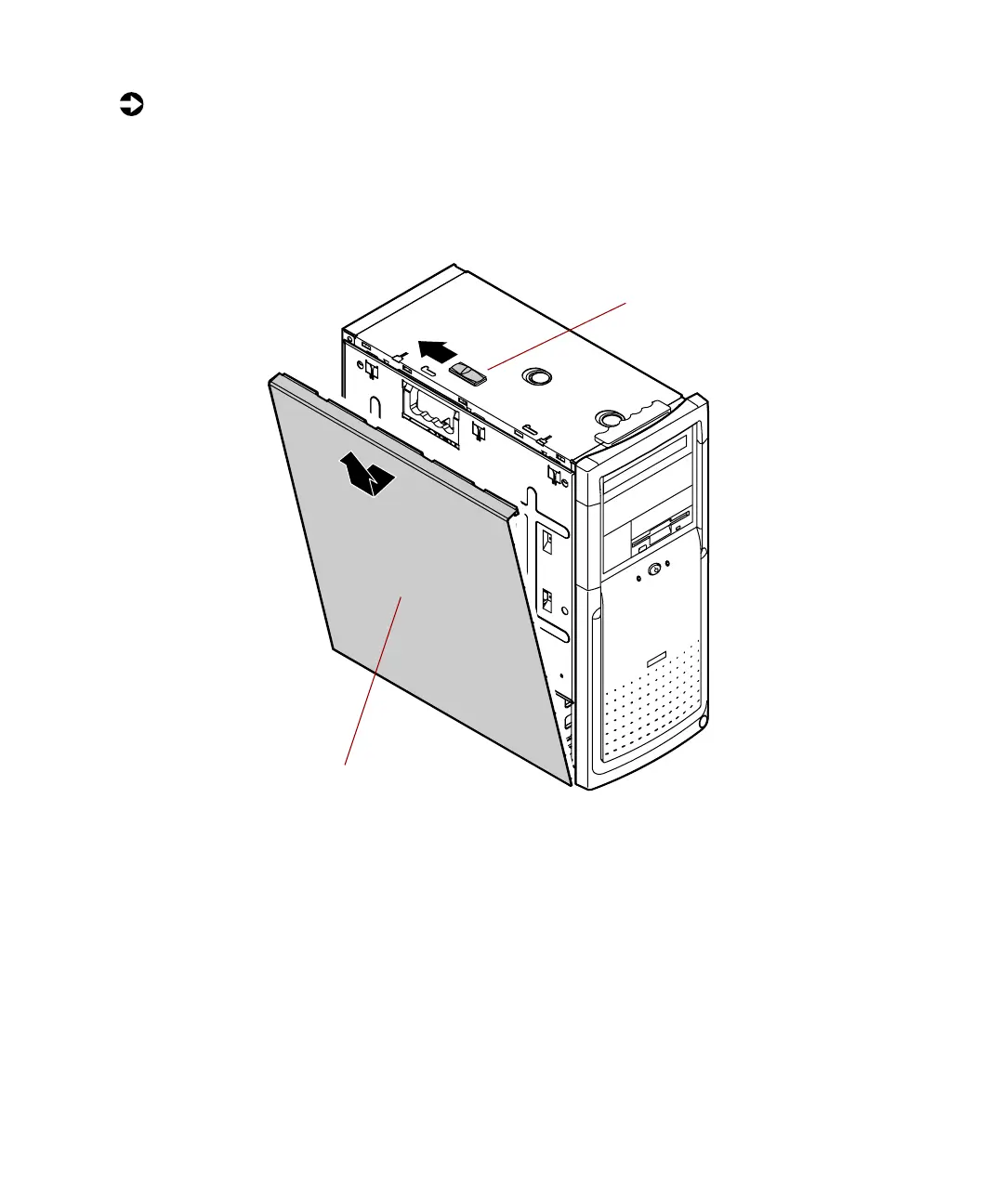
To remove the left panel:
1 Remove the right panel. (See “Removing the side panels” on page 19 for
instructions.)
2 Slide the left panel release tab toward the rear of the chassis. This
unlatches the left panel from the chassis.
3 Grasp the left panel, then lift the panel up away from the chassis.
Left panel
release tab
Left panel
1
2
05957.book Page 22 Monday, May 8, 2000 10:09 AM



 To Next Page