Closing the case 23
Closing the case
Replace the cover as soon as you finish installing or removing components
so that dust and dirt (which can damage the computer) do not collect inside
the computer.
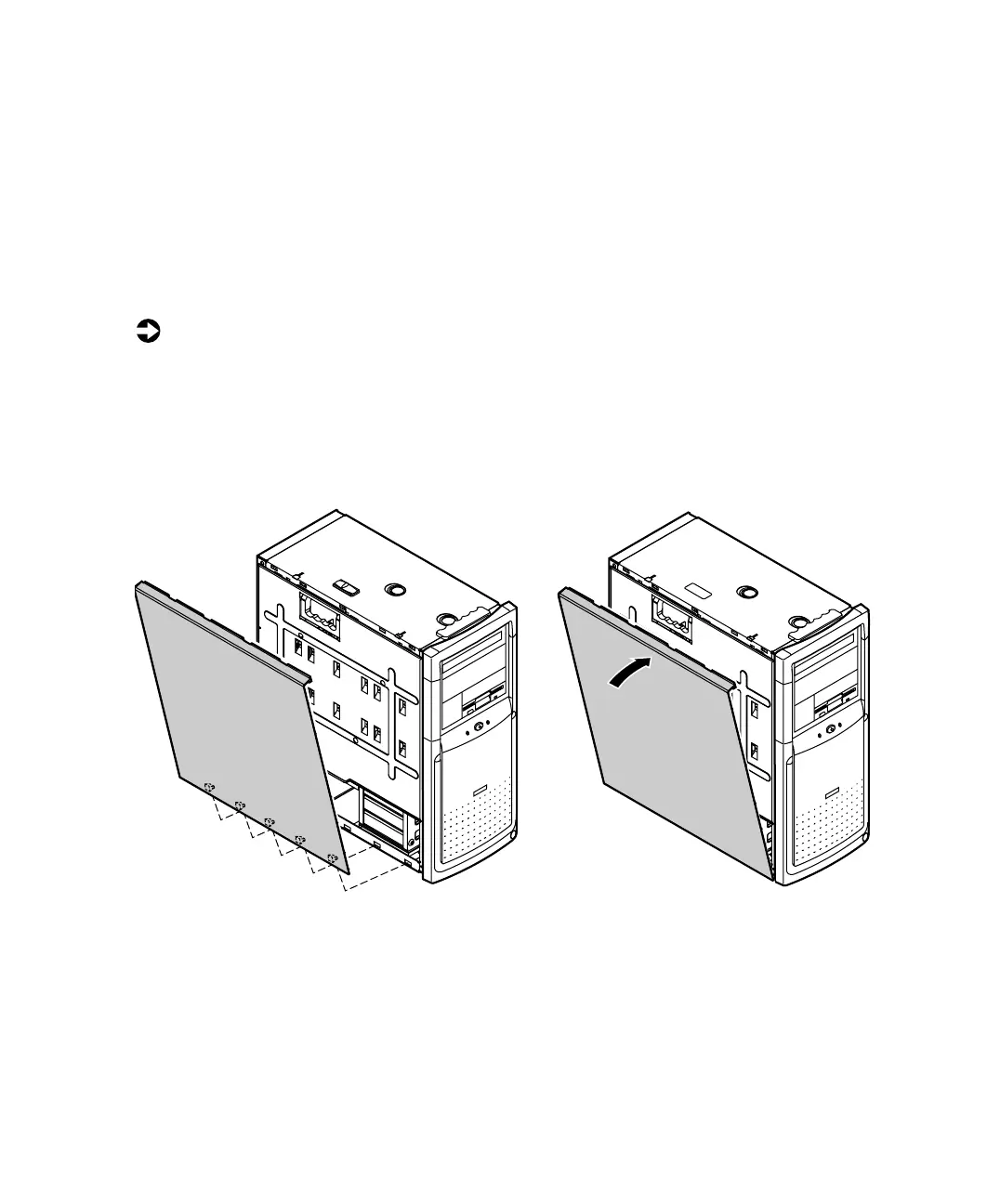
Replacing the side panels
To replace the left panel:
1 Align the tabs at the bottom of the panel with the tab holes at the base
of the chassis.
2 Insert the tabs into the tab holes.
3 Push the panel towards the chassis until it locks into place.
05957.book Page 23 Monday, May 8, 2000 10:09 AM



 To Next Page