24 Case Access
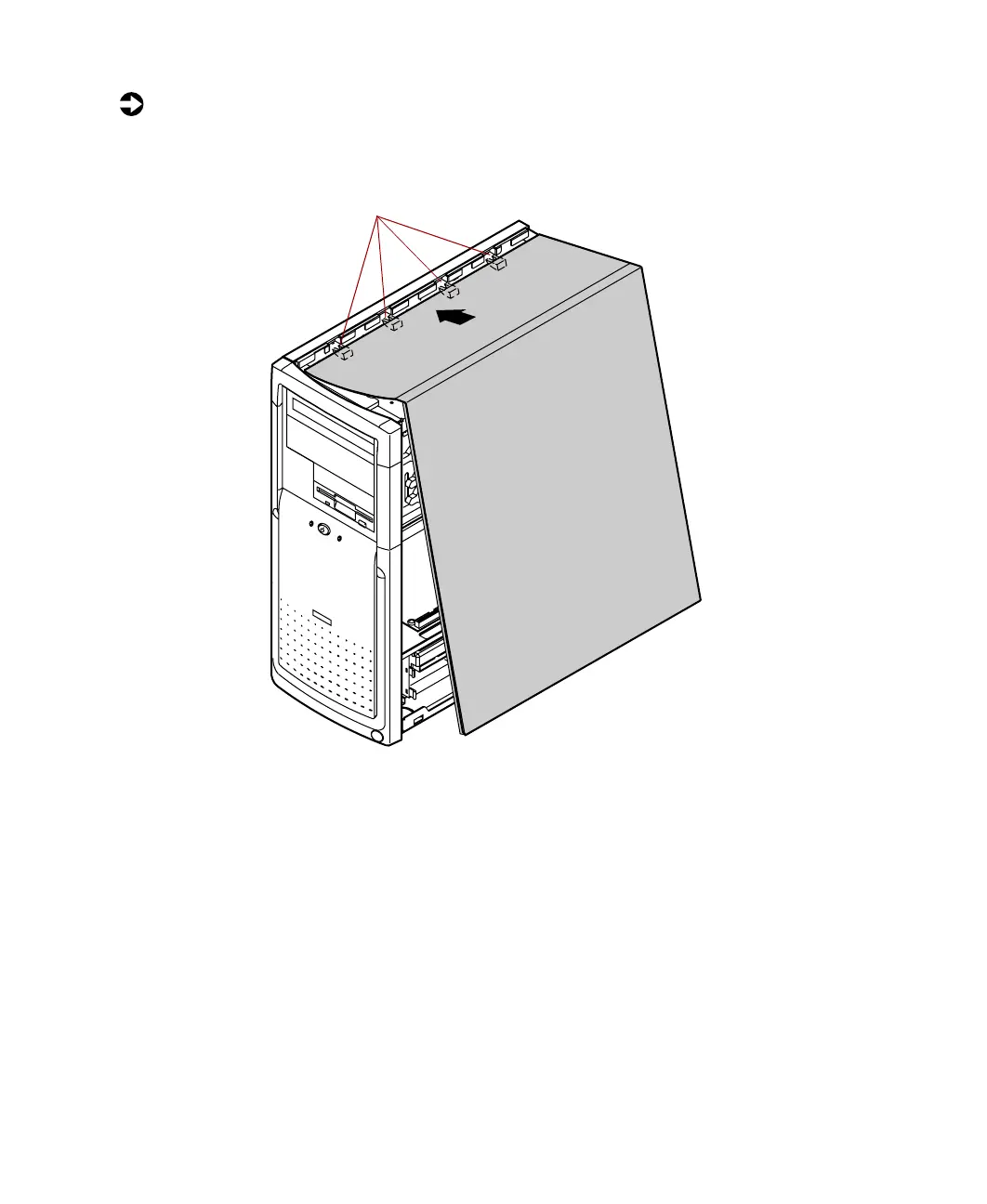
To replace the right panel:
1 Align the tabs at the top of the panel with the tab holes at the top of
the chassis.
2 Insert the tabs into the tab holes.
3 Push the bottom of the right panel towards the chassis until the tabs
engage the tab holes at the bottom of the chassis. The chassis
automatically locks into place.
4 Reconnect the power cord and all other cords you removed.
Tab holes
05957.book Page 24 Monday, May 8, 2000 10:09 AM



 To Next Page