Replacing or adding drives 27
3
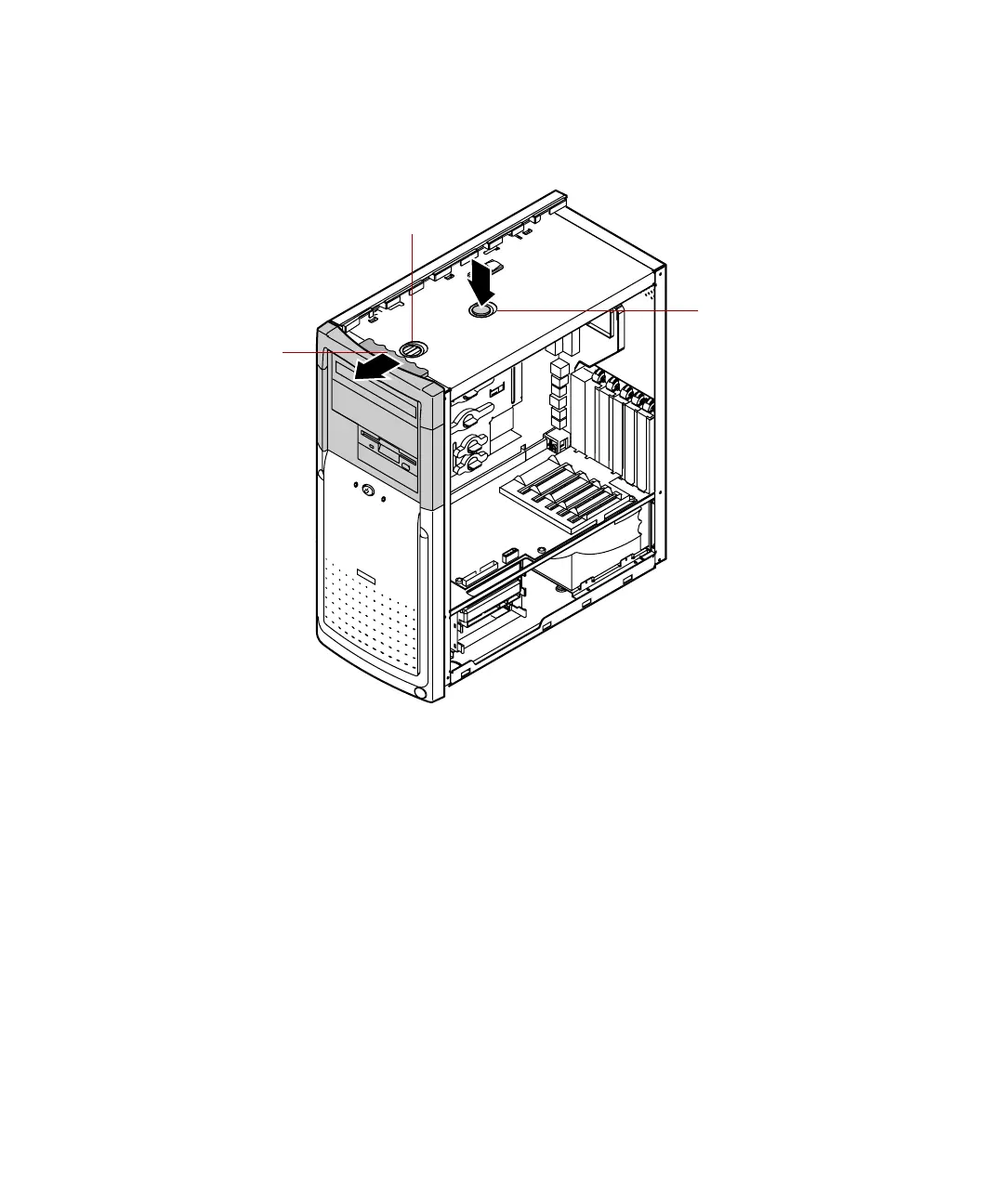
Using one hand, grasp the drive cage handle located above the drive cage.
Using your other hand, press the drive cage release button while pulling
the drive cage toward the front of the chassis.
1
2
Drive cage
release button
Drive cage
handle
Release button
forward locking hole
05957.book Page 27 Monday, May 8, 2000 10:09 AM



 To Next Page