Replacing or adding drives 33
6
Set any jumpers on the new drive. (See the drive documentation for more
information.)
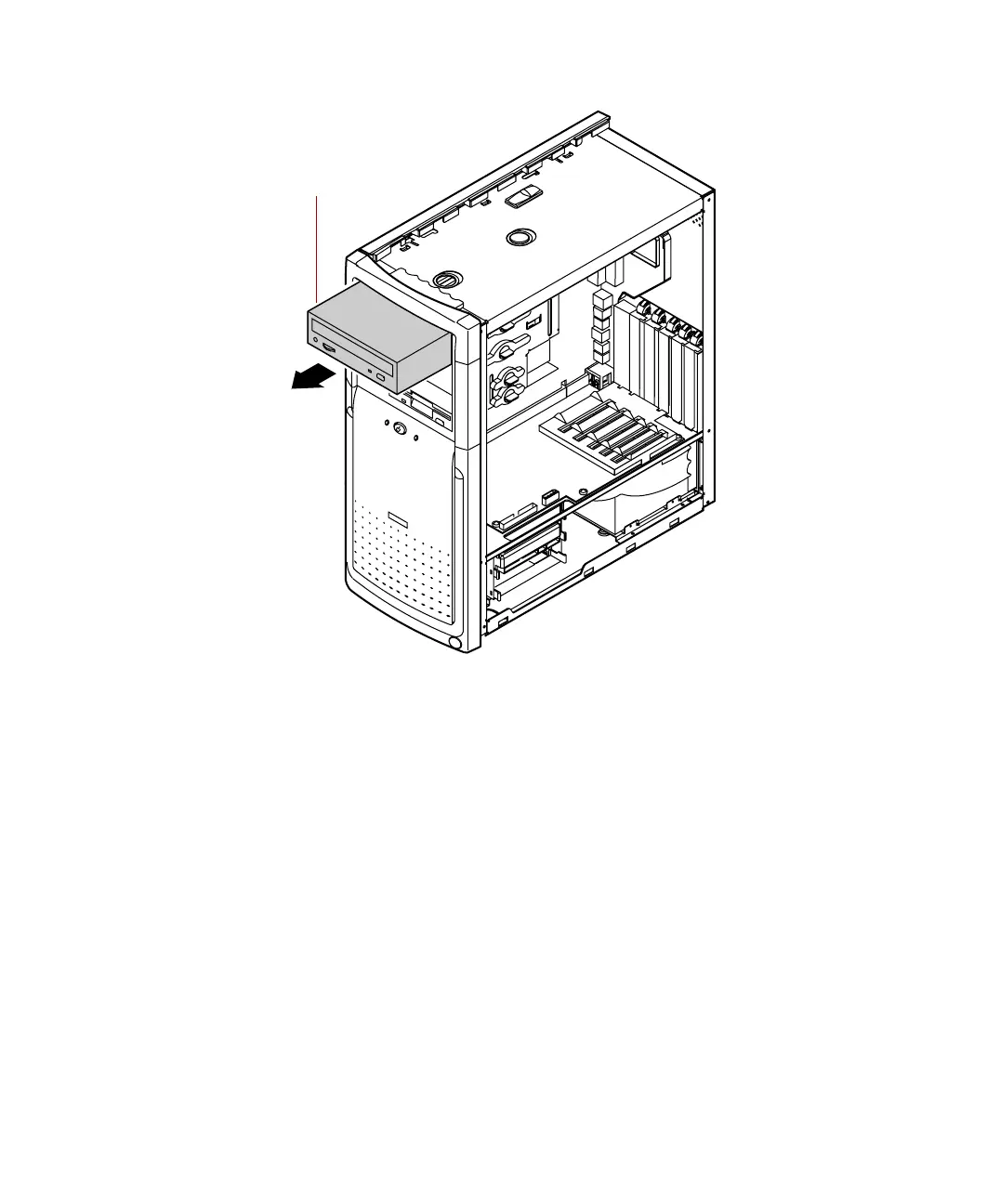
7 Place the new CD drive into the drive cage. Make sure the threaded holes
on the drive align with the locking tab holes on the drive cage.
8 Replace the drive locking tab.
9 Connect the power, data, and audio cables to the drive.
10 Replace the right panel (see “Replacing the side panels” on page 23).
11 Reconnect the power cord and all other cords you removed, then turn
on the system.
CD drive
05957.book Page 33 Monday, May 8, 2000 10:09 AM



 To Next Page