Replacing or adding drives 35
5
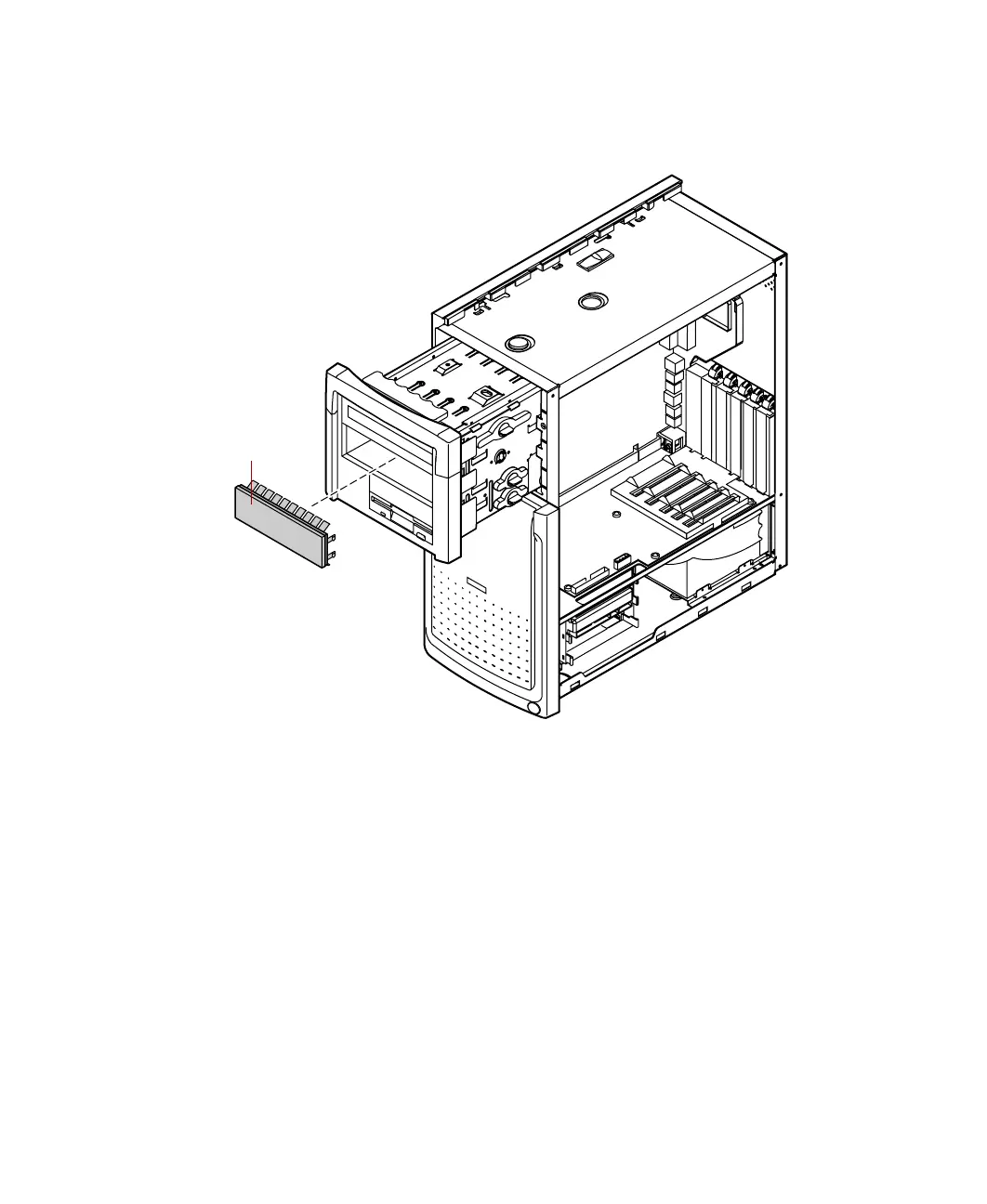
Remove the filler panel on the front bezel by squeezing the two tabs on
the left side of the filler panel. The filler panel then ejects.
6 Set any jumpers on the new drive. (See the drive documentation for more
information.)
Filler panel
05957.book Page 35 Monday, May 8, 2000 10:09 AM



 To Next Page