Adding an expansion card 47
5
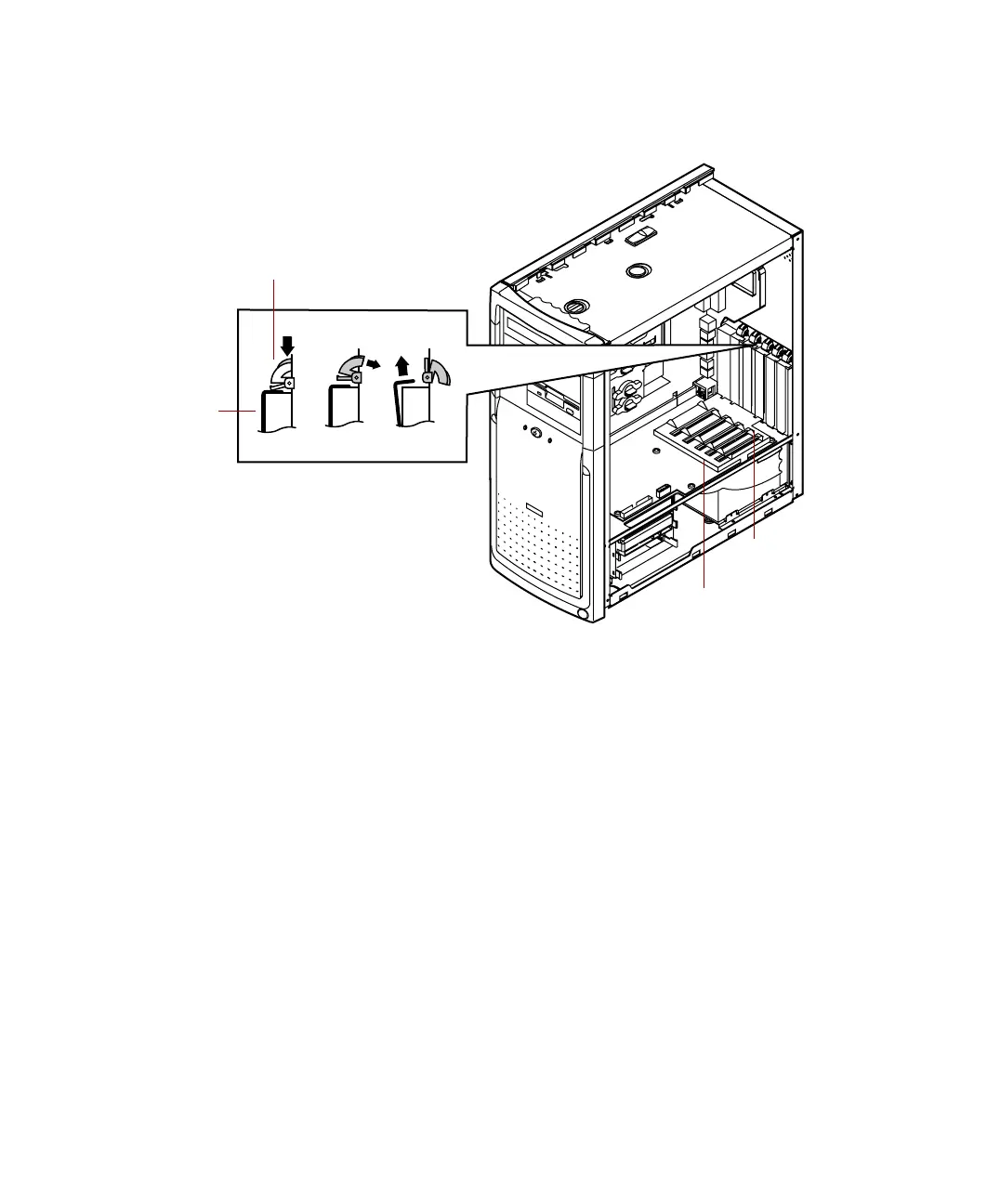
From inside the computer, press the slot cover clamp down and toward
the back of the chassis, then lift the slot cover up and out of the chassis.
Slot cover
clamp
Slot
cover
Card alignment guideCard alignment guide
Plastic tab
05957.book Page 47 Monday, May 8, 2000 10:09 AM



 To Next Page