11
ENG
Usage/Setting up procedures
You can change the display mode by pressing the MODE button during
standby or recording.
Warning! When image is streamed from 2 cameras simultaneously,
LWDS and FCWS intelligent functions (see. p. 18) are disabled.
Preparing MVR
• One needs to precongure the MVR before using it. By default
(factory settings), all main parameters are set to optimal values.
Nonetheless, one still needs to set the exact time and date. This is
required for further analysis of recorded video les.
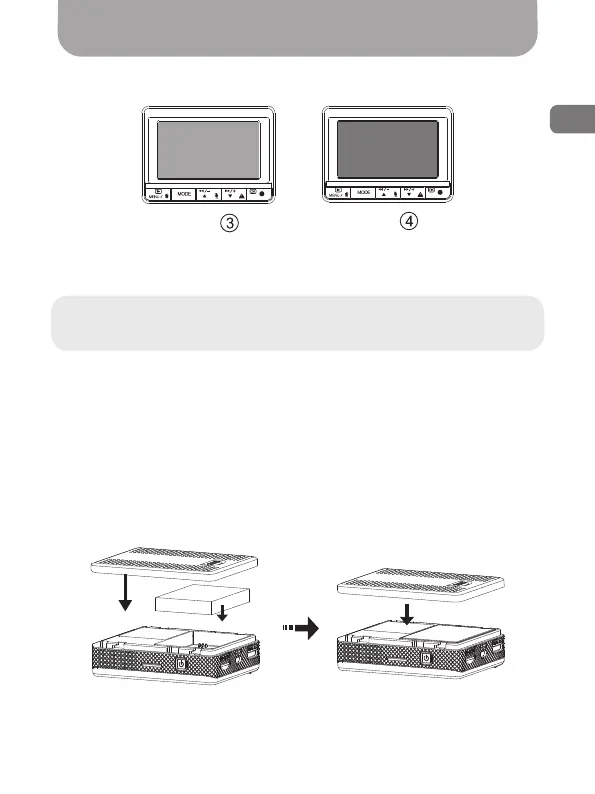
• Insert the battery into the battery compartment as shown in the
gure:
Передняя
видеокамера
Передняя
видеокамера
Задняя
видеокамера
Задняя
видеокамера
Fig. 5
Fig. 6
Front
camera
Back
camera



 To Next Page