GBA
Global Bill Acceptors
GBA ST2
Operations Manual
Page 14 of 25
Astrosys International Ltd
January 2009
GBA ST2 Op Manual V1.01
6) Note Jam Detect Limit.
This option sets the change in conditions required to activate a “Note Jam” state. This limit
should not be altered unless specifically advised by an official Astrosys representative.
Default setting is 40
, as it has been calculated to be the optimum value for all applications.
7) Note Returned Prior to Lock Out.
This option specifies whether a note should be returned to the customer (ON) or held at the rear
of the acceptor (OFF), if the “String attempts before OASG lock out” value is reached
Default setting ON
, as this ensures that the note is returned to the customer, should a fault be
detected.
8) Enable “two note return check”
This option is used to activate a security feature to detect specific fraud attempts, please
contact your local office for more information.
Default setting is OFF
, as this feature is only applicable in a limited number of cases where a
specific security incident has been reported.
GBA ST2 DEFAULT SETTING GUIDELINES:
Note: The GBA ST2 can be configured in many ways allowing the user to customize the unit to
their specific requirements. The configurations listed above are our default settings for this product
within set applications.
Note: Discrimination Security is explained further under the heading “security” within the
“Configuration Procedure – GBATalk PC software 5.2.2.” subject above.
6.0 MECHANICAL INSTALLATION
With the faceplate (or bezel) mounted in the host machine, the GBA ST2 unit fitted with the
appropriate note guide is simply clipped into place in the faceplate. Please note that the note
guide must be fitted to the validator before inserting the validator into the faceplate.
Details of product dimensions can be found at the end of this document.
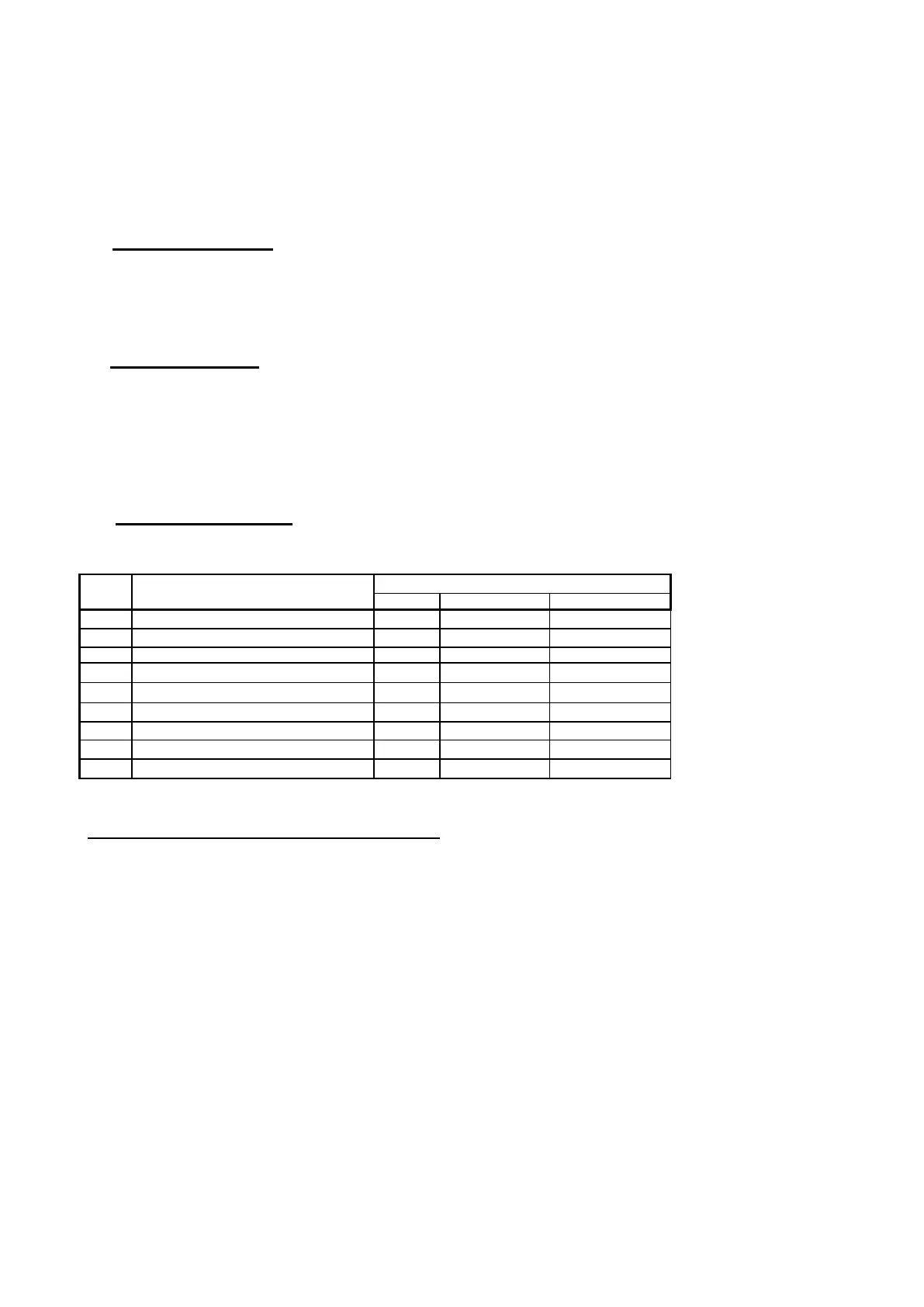
Stacker less units No Options
Default Car Wash Windowed Notes
1 String attempts before OASG lock’s out. 0 0 0
2 OASG lock out period 5 5 5
3 OASG Recalibration period (minutes) 10 10 10
4 OASG sensitivity Low Low Low
5 OASG Foreign object check No No No
6 Note jam detect limit 40 40 40
7 Note returned prior to lock out Yes Yes Yes
8 Enable 2 note return check No No No
9 Discrimination security Std Low Std


 To Next Page