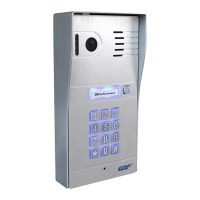
2. Configuration Preparations
Begin by performing a factory reset of the settings in your
IP Doorbell. To default the settings to factory, follow these
steps;
2. Apply power to the IP doorbell.
3. Within 5 seconds, press and hold the ‘Bell’ button until your hear
a distinctive 1 second long buzzer sound (after approximately 1
minute; it is preceded by a flash of the illuminator LED’s). Release
the ‘Bell’ button after the buzzer sound stops.
4. The IP Doorbell will reset once again (takes about one minute) and
is ready to start configuration shortly after the illuminator LED’s
flash.
*NOTE: Performing a factory reset erases settings stored during
the configuration process. Do not perform a factory reset after
you have configured the IP Doorbell unless absolutely necessary.
Downloading the App
To configure and receive calls from the Outdoor Station you need to
download the ControlCam2 Application. Free downloads are available
on the Google Play Store (Android) and the Apple App Store (iOS).
1. Connect the WiFi antenna with outdoor station or connect your


 To Next Page