4.4.9 Accessing recorded videos/images
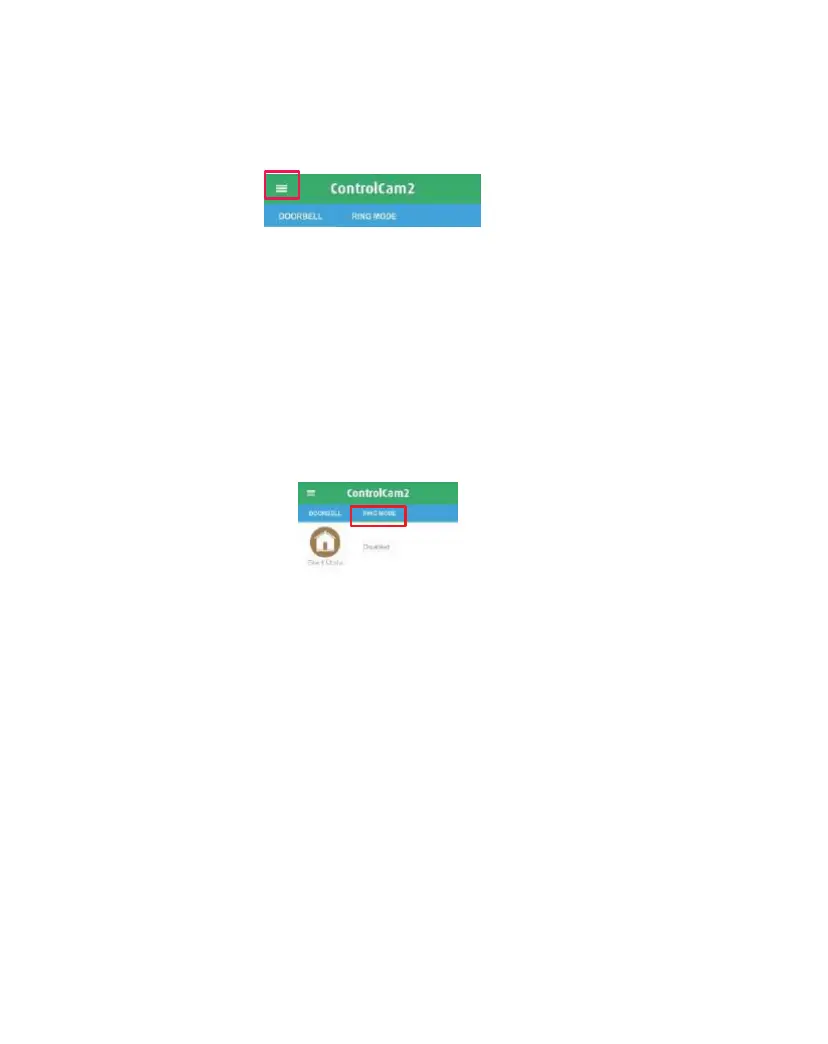
1. From the 'Doorbell’ or ‘Ring Mode’ screen, click on the main
menu icon to access the ‘Main Menu’ screen.
2. Select the ‘Media’ option.
3. The first tab shows the recent files (images and videos), the
second shows only videos and the third only images.
4. To delete a file, press ‘Edit’, select the image(s), then confirm by
pressing ‘Delete’ or the trash icon.
4.4.10 App Mode
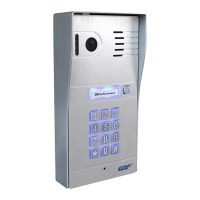
The second tab of the ControlCam2 home screen shows the app
modes from which you can choose your desired notification option.
‘Silent' Mode – does not show any notification on the smartphone
screen. However, the app does continue storing the device's
alarms.
‘Global Ring-in’ Mode – allows all the devices listed in the user
account to notify the smartphone.
'Selective Ring-in’ Mode – allows you to selectively choose which
device will notify you with ring and notifications.
1. From the app 'Doorbell' screen, click on the second tab which
shows your current mode.
2. Select the desired mode. If this is not the current one, a popup
message will appear asking you to confirm the change.
Note: If you change to Selective Mode, you will be able to click on
the > icon and select which devices can notify you.


 To Next Page