
 Need help?
Do you have a question about the GDS VCI and is the answer not in the manual?
Lists all hardware components of the GDS system, including manuals, DVDs, language packs, and accessories.
Details VCI technical specifications, PC interface protocols, and communication interface standards.
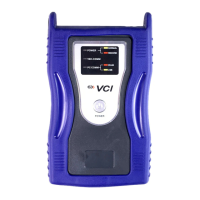
Explains how to turn the VCI module on/off and manage power using the switch and cables.
Describes VCI LEDs and trigger module indicators for monitoring operations and data recording.
Guides on installing DLC cable, VCI module, USB cable, and trigger module with power cables.
Explains the purpose, scope, and connection of the Self Test adapter for diagnosing circuits.
 General
| Brand | GDS |
|---|---|
| Model | VCI |
| Category | Medical Equipment |
| Language | English |

 To Next Page