Hardware Installation IST 005 (C) 1280 x 1024 Landscape Monitor Interconnections
Page 46
3-1 Components used During Installation
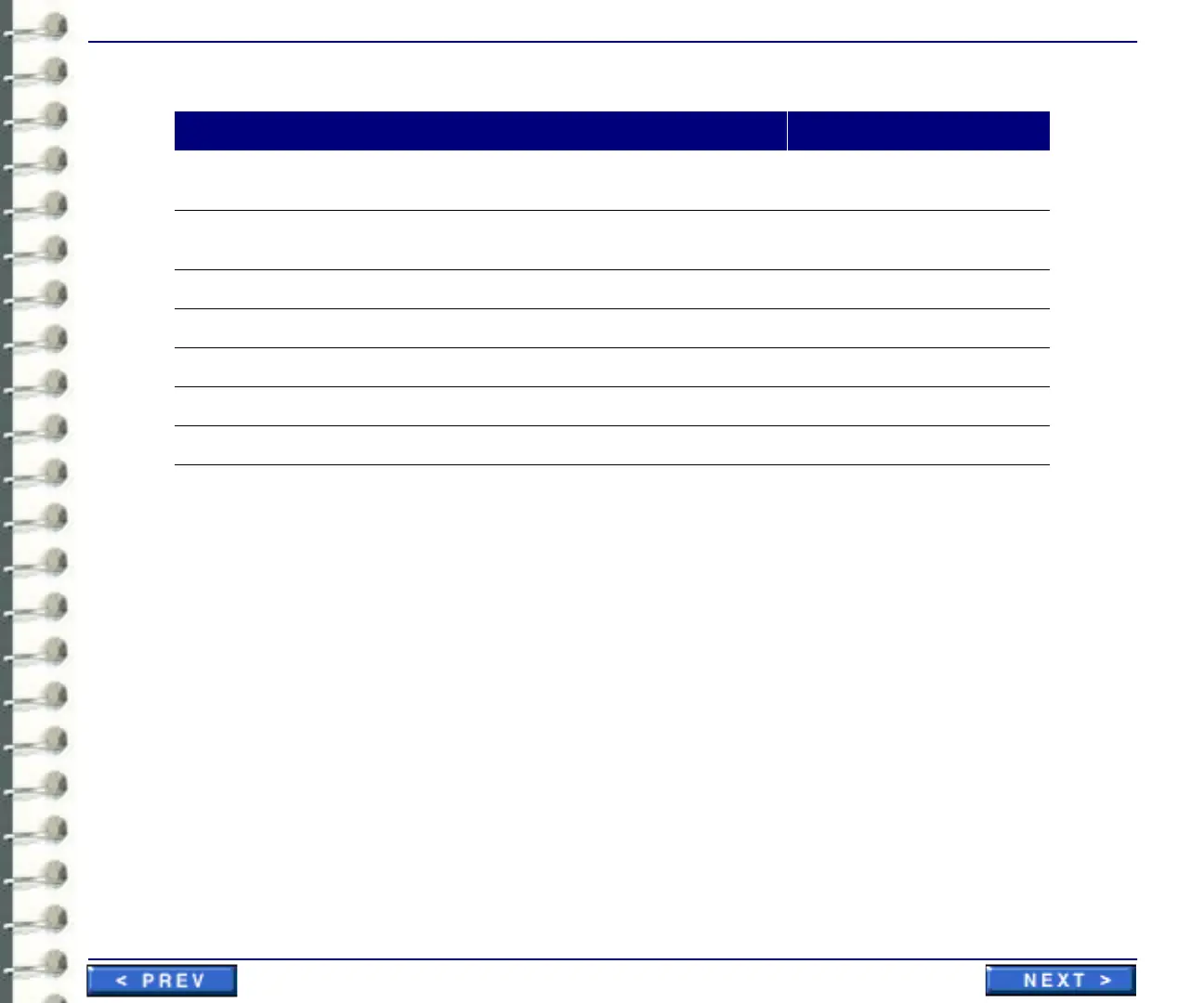
Table 3-5: Items used for installation of 1280 x 1024 workstation
The Centricity RA600 Workstation should already be configured as per the factory settings. Also, the
operating system software and applications software are installed at the factory. The person
installing the workstation must physically interconnect workstation cables, and then configure the
system using site-specific information (i.e. IP address).
3-2 Line Voltage Selection
Line voltage selection is automatic for the workstation, monitors and most of the peripherals.
3-3 Power Connections
Power cables must be fitted with proper plugs for the country where the workstation is installed. A
distribution strip is supplied with the system.
3-4 Network Connection
The ethernet network connections are made via hubs or switches.
Cable Part No. From To Cable Detail
N/A CPU Keyboard Integrated Keyboard
Cable
N/A CPU Network 10/100 BaseT Patch
Cable
436115 CPU - Video Board. Monitor Cable Monitor Cable to CPU
N/A CPU Mouse Integrated Mouse Cable
4363149 CPU Power Outlet Power Connection, USA
4363149 Monitor(s) Power Outlet Power Connection, USA
N/A CPU VGA port VGA Monitor Service Monitor Tool



 To Next Page