Hardware Installation IST 005 (C) 1280 x 1024 Landscape Monitor Interconnections
Page 47
3-5 Keyboard & Mouse Connections
Connect the mouse and keyboard to the appropriate receptacles on the computer housing.
3-6 Monitor Connections
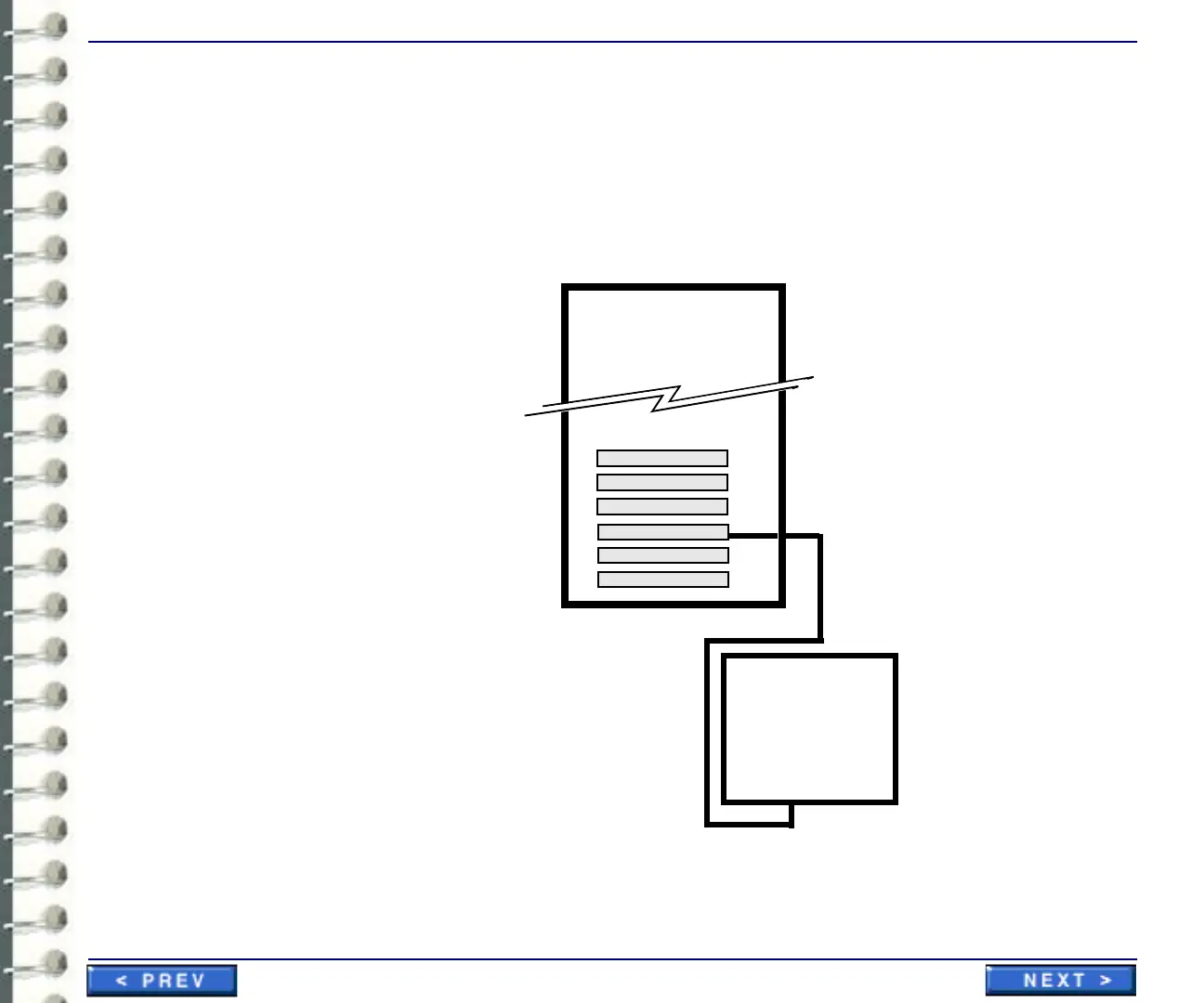
Connect the monitors as shown in appropriate cabling illustration (one or two monitors). If the video
card has two connectors, connect the primary monitor to connector 1. Make the monitor
connections according to included manufacturer’s documentation.
Illustration 3-9: connection of one landscape monitor
Slot 4
Slot 3
Interface interconnections
to one landscape monitor
Blank
Blank
Blank
Video Card
Landscape
Monitor
Slot 1
Slot 2
Slot 5
Slot 6
Blank
Blank



 To Next Page