Hardware Installation IST 012 Installing Barco 3MP2FH Video Board
Page 89
Note: Prior to installing your 3MP2FH board(s) in your PC please take a few minutes to familiarize
yourself with both the board and the PCI slots in your computer.
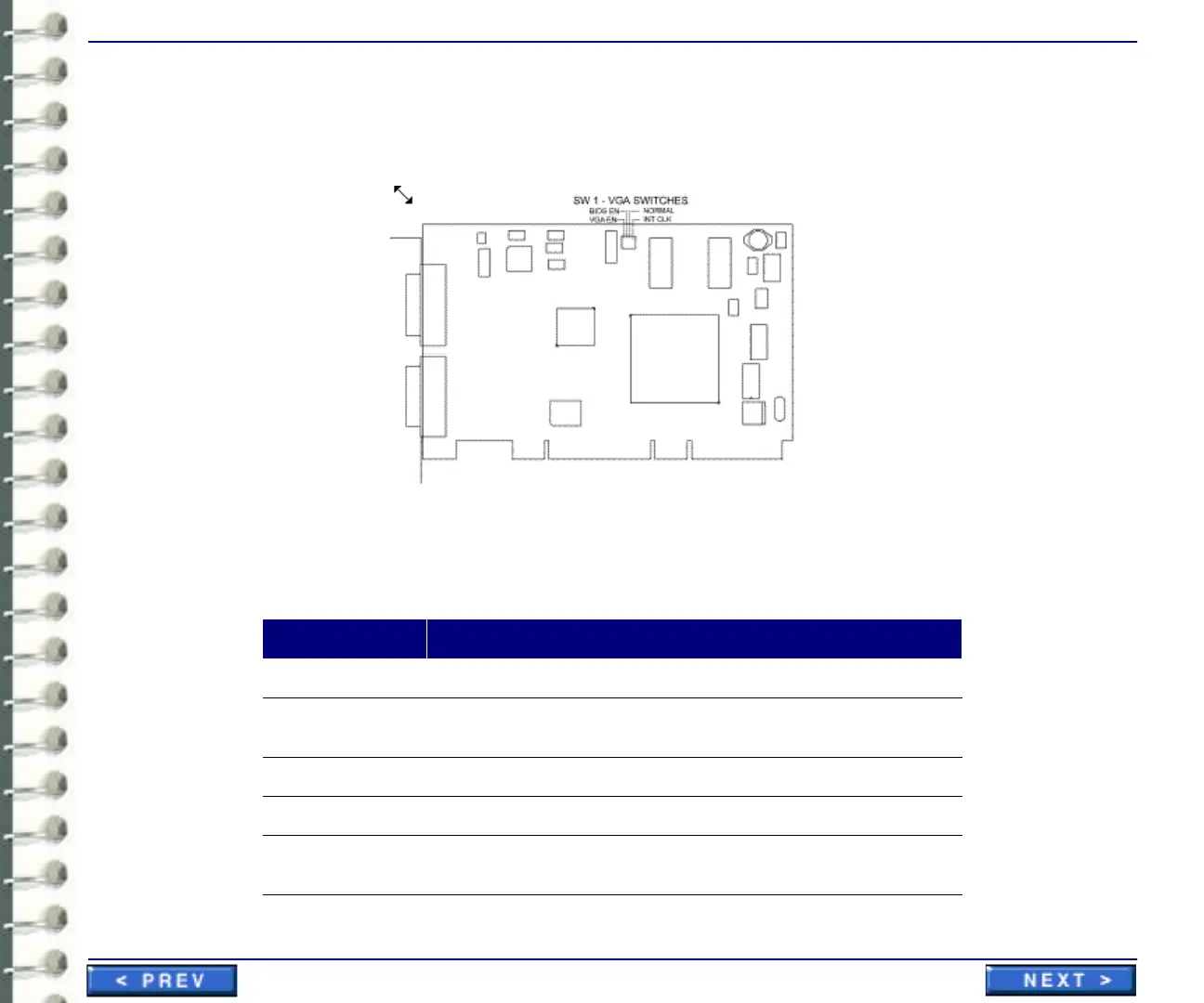
Illustration 3-38: 3MP2FH Switch Locations
There are four switches located at SW1 on the 3MP2FH. The following table shows their locations
and briefly describes their functions and default states.
Table 3-7: Switch settings for BarcoMed 3MP2FH
Switch Function
VGA EN Enables VGA on the Primary Head (default is ON)
BIOS EN Allows the system BOIS to read the Video BIOS (default
is ON)
NORMAL Controls Board State (default is ON)
INT CLK Internal Clock (default is ON)
The switches are in the ON position when the white slider switch is
positions towards the top of the board



 To Next Page