Hardware Installation IST 012 Installing Barco 3MP2FH Video Board
Page 90
Prior to installing the BarcoMed 3MP2FH, check the setting of the VGA switches on the graphics
board. By default, VGA should be enabled on the primary card. If installing 2 cards in the system,
make sure that the VGA EN option on the 2nd card is set to OFF.
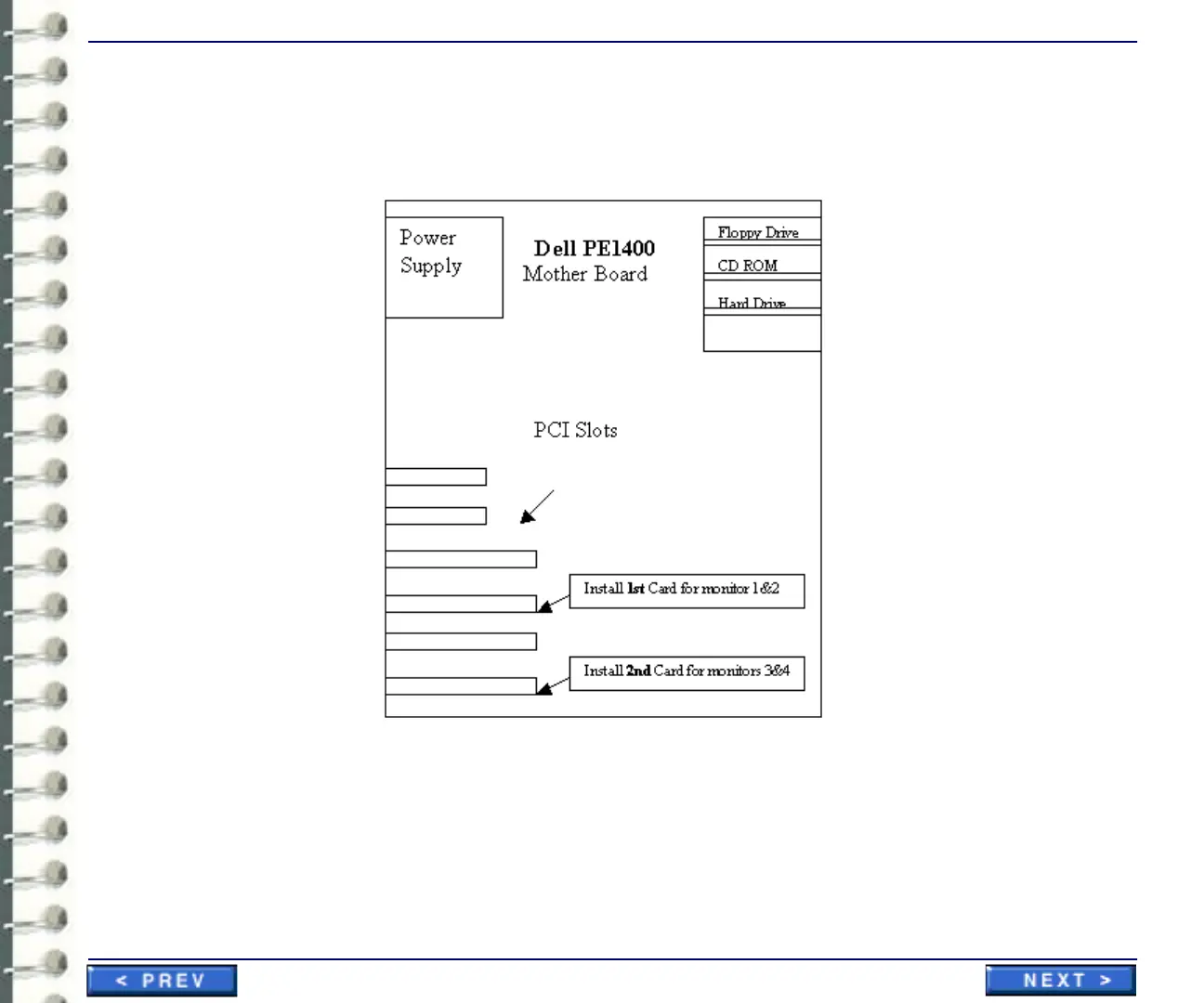
Illustration 3-39:PCI Slots for video cards
Figure 2 illustrates the correct slots location for 3MP2FH cards.
4-2 Installing the BarcoMed 3MP2FH Graphics Controller
Install the 3MP2FH into your computer following these steps:



 To Next Page