18 1919
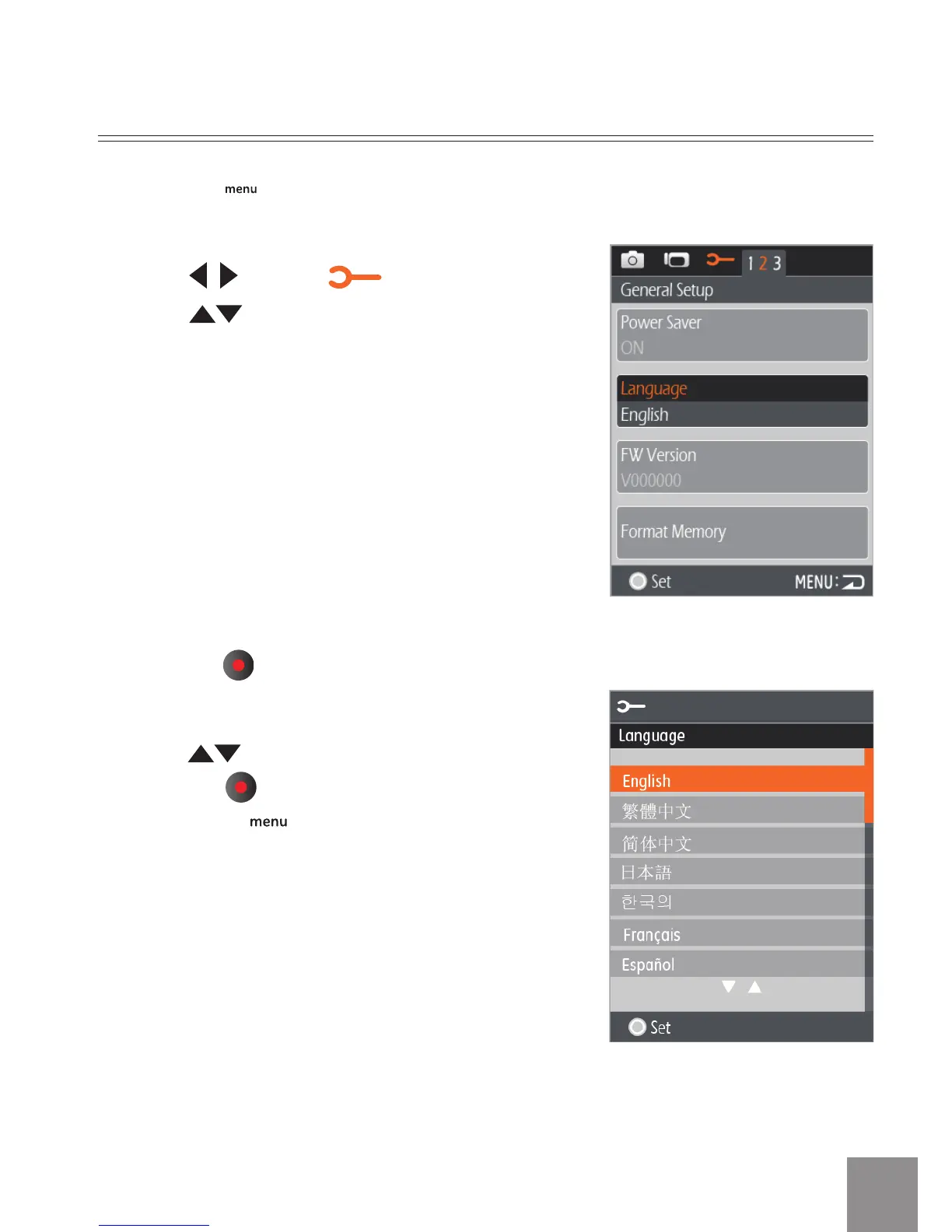
Set Display Language
1. Press the button to enter the setting
menu.
2. Press
to select menu;
Press to select the Language option.
3. Press the
button to enter the setting
interface.
4. Press to select language of choice. Then
Press the button to return to the menu;
or Press the button to return to the
shooting screen.





 To Next Page