47
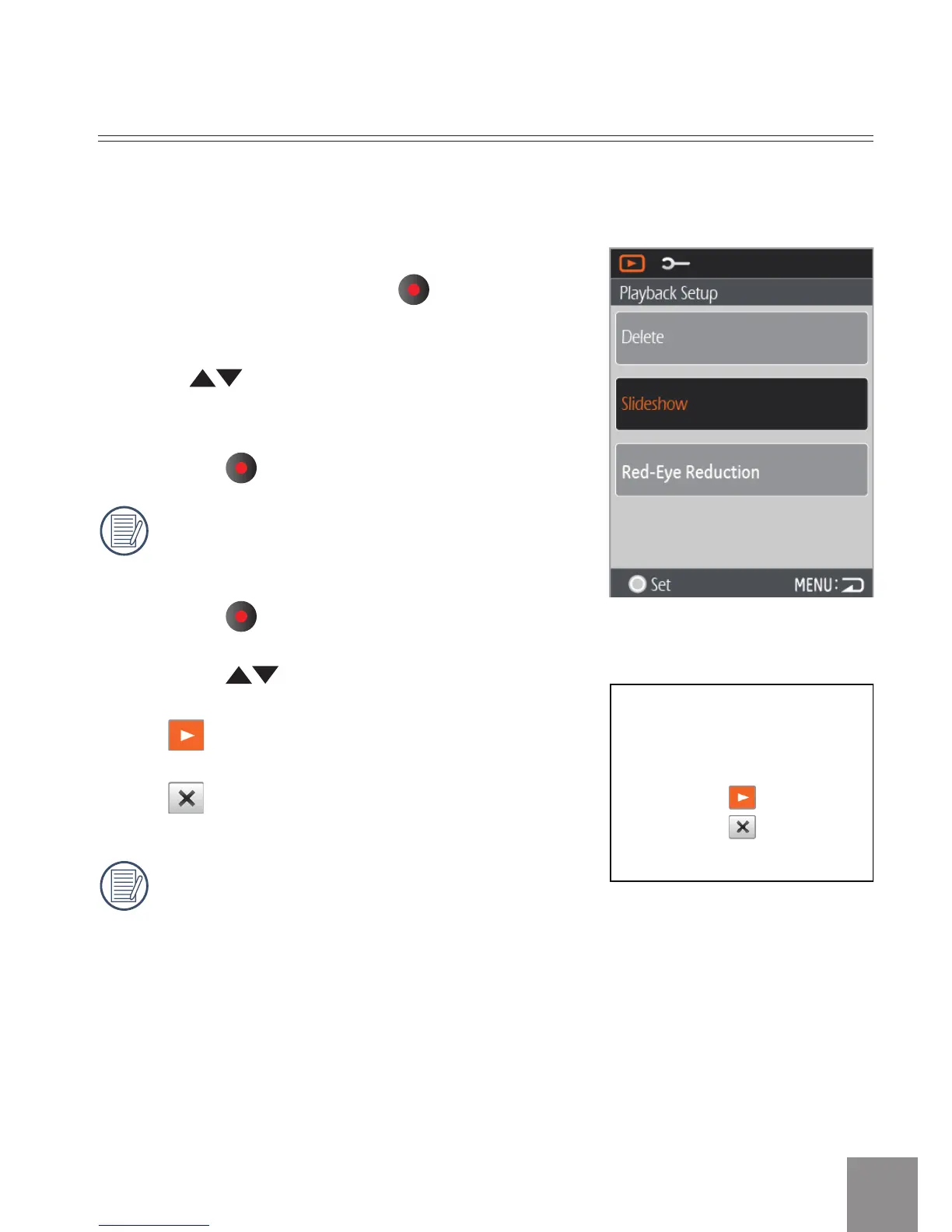
Slide Show
1. Press the Menu button and select the
Slideshow option. Press the button to
enter the function selection interface.
2. Press
button to select Start or Cancel
to return the menu.
3. Press the
button to start playing.
Only Horizontal mode is used for slide
show playback.
4. Press the
button again to stop playing.
5. Press the
button to select:
•
Continue to Start
•
Return to the Playback screen
The default slideshow interval time is
preset to 3 seconds.
This function displays images in sequence at regular intervals (from the SD
memory card or from the internal memory).





 To Next Page