41
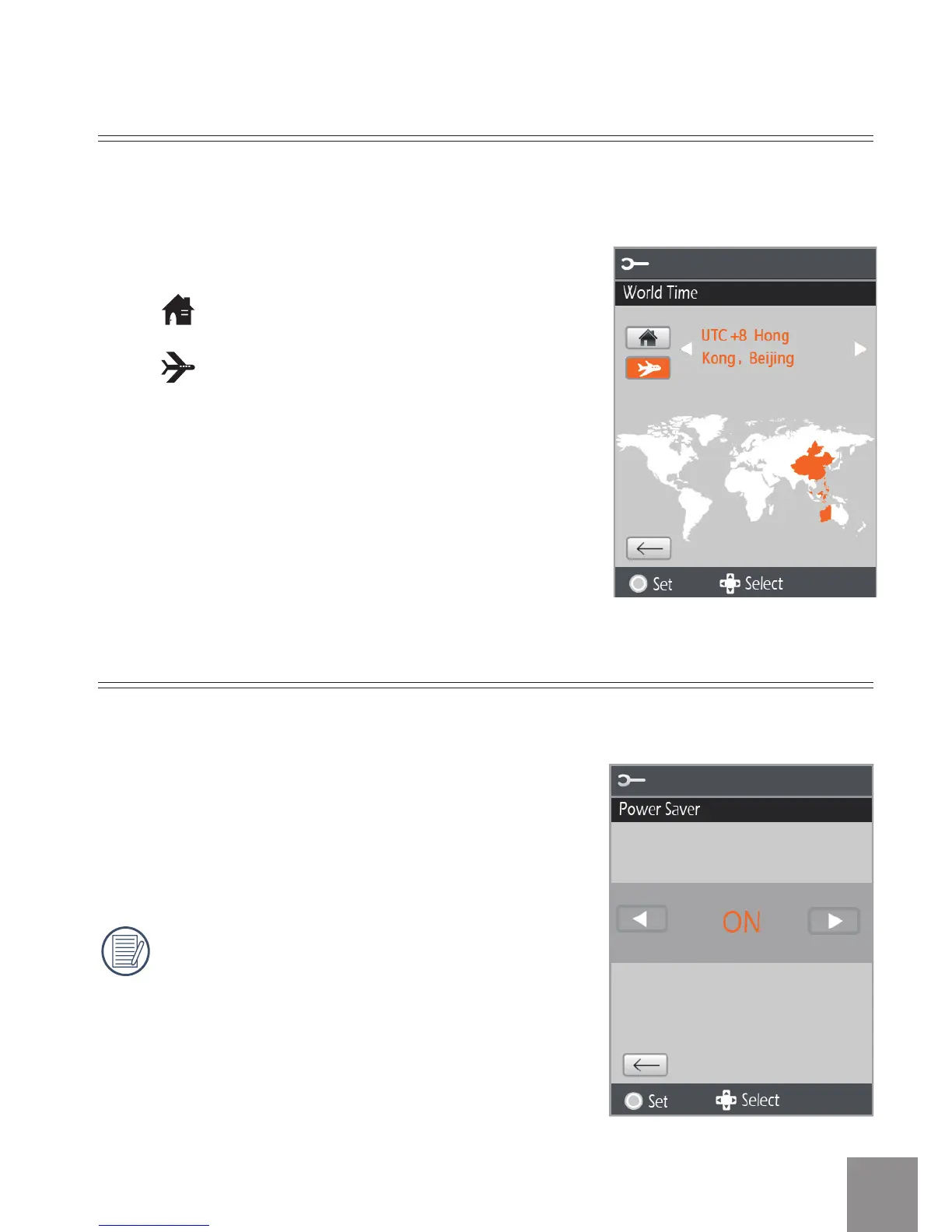
World Time
There are two options in World Time:
• Location
• Travel Target
When overseas, adjust the World Time setting to the time zone of the city
nearest you.
Power Saver
The Power Saver function has two options:
• ON
• OFF
When power saving function is turned on,
the screen will automatically turn o after
one minute and the video camera will
automatically turn o after three minutes.
Use the Power Saver function to prolong battery life between charges.





 To Next Page