44 45
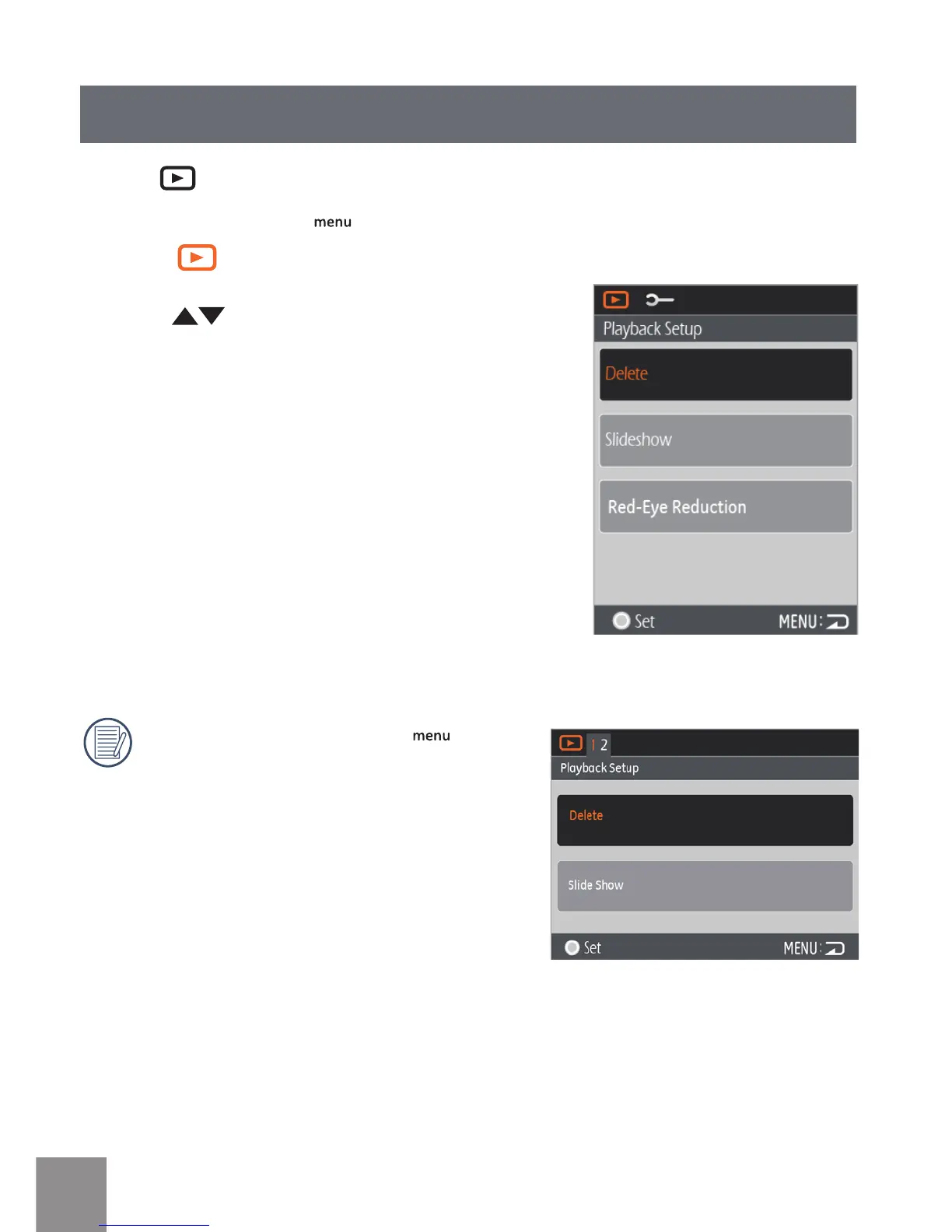
Playback Setup
1. Select menu.
2. Press
button to select the options in
the Setup menu.
The Playback Setup has three options:
• Delete
• Slide Show
• Red-eye Reduction
In the Playback mode, press button,
Note this function will only display in the
horizontal mode.
Mode:
In Playback mode, Press button to enter Setup menu.





 To Next Page