2222 23
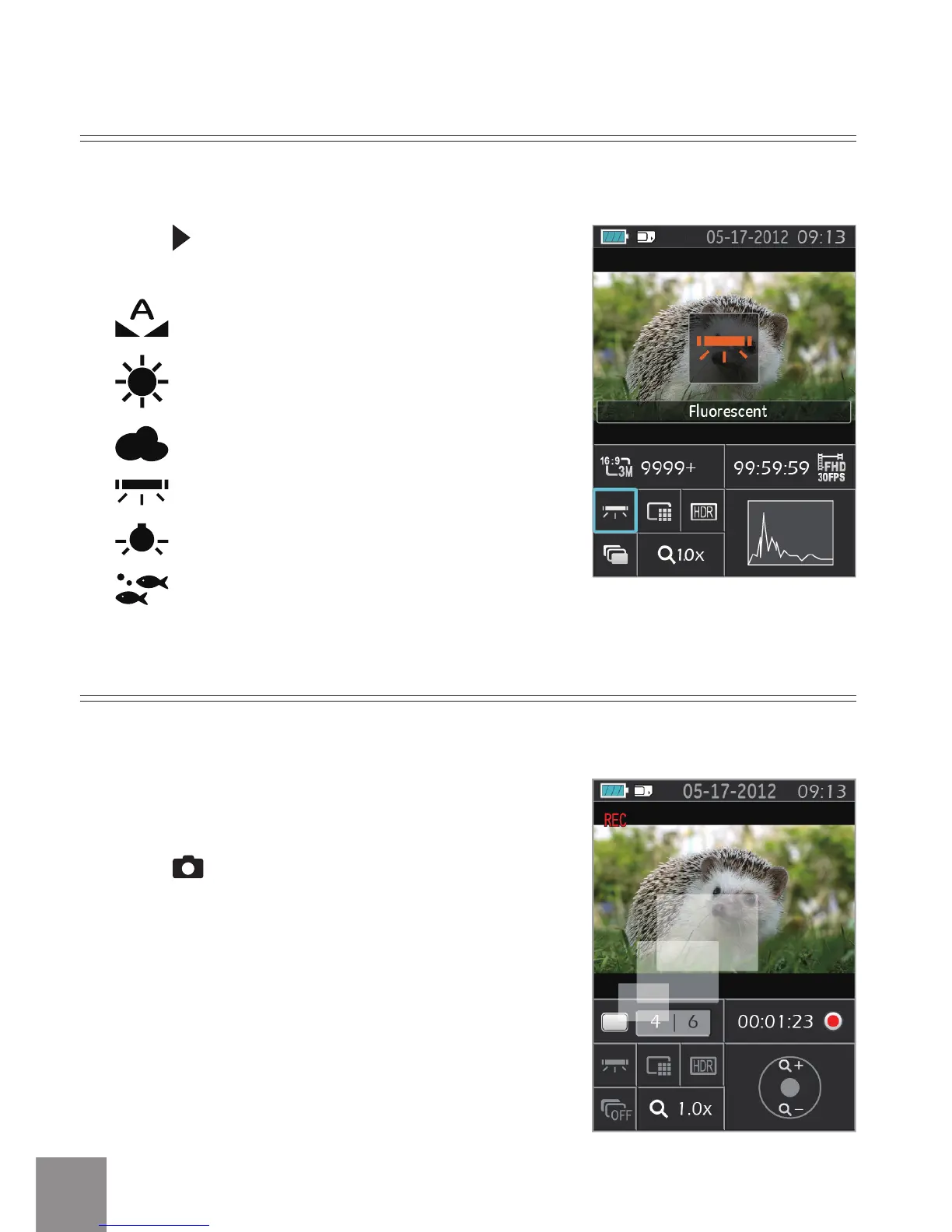
Press the button to scroll through the White
Balance options. Available options include:
White Balance: Auto
White Balance: Daylight
White Balance: Cloudy
White Balance: Fluorescent
White Balance: Incandescent
White Balance: Waterproof
White Balance
With White Balance, users can adjust the color temperature under dierent light
sources to adjust correct color.
During the process of recording a video, simply
press the button to take photos.
Shooting While Recording
You can take photos while simultaneously recording video.





 To Next Page