38 39
General Setup
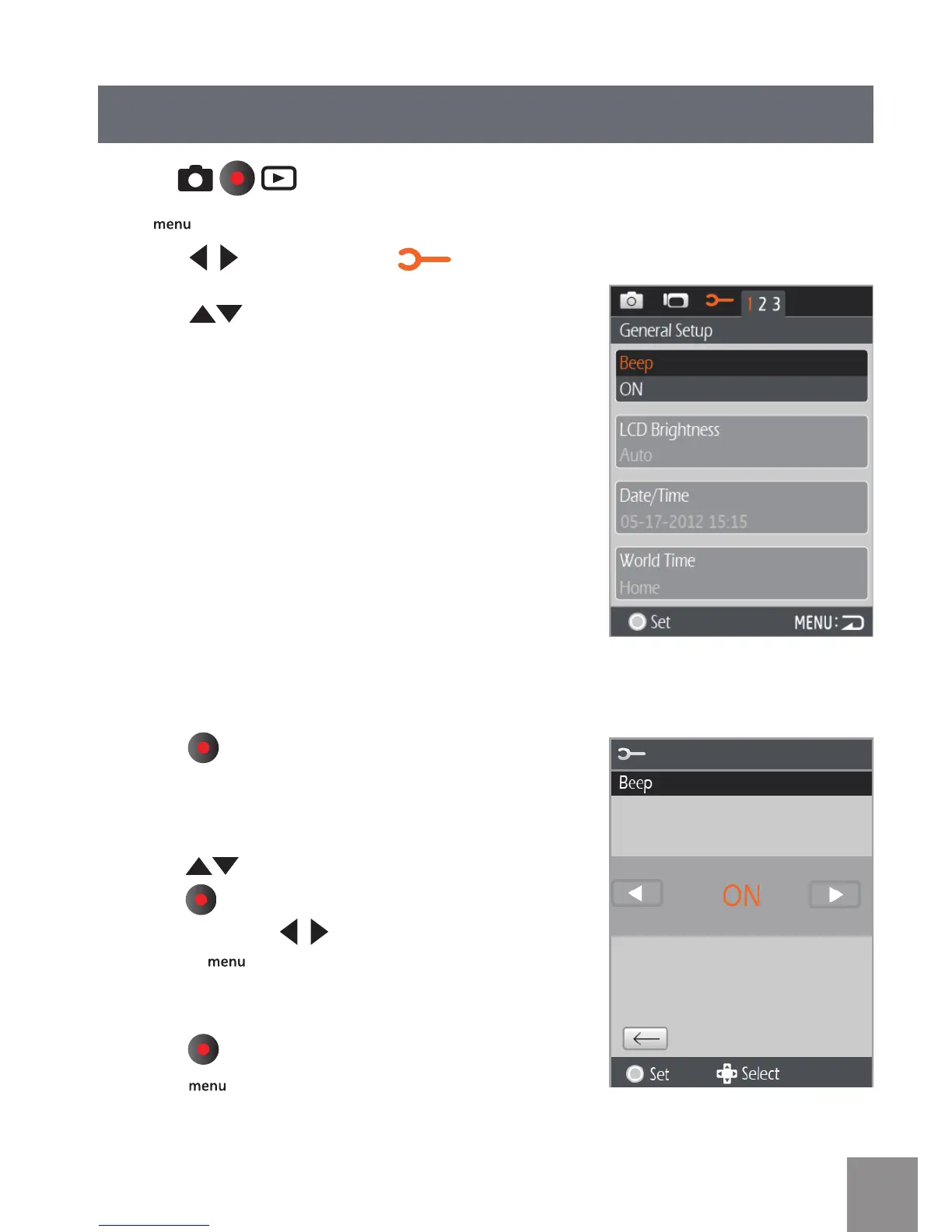
1. Press button to select menu.
2. Press
button to select the options in
the General Setup menu.
3. Press
button to enter the menu of
corresponding options in the General Setup
menu.
4. Press
to select function option or select ,
press button to save selection and return to
the menu; press to select the menu option;
or press button to return to the shooting
screen.
5. Press
button to save the menu option,
press button to return to the Shooting
screen.
Mode:
Press button to enter Setup menu.





 To Next Page